



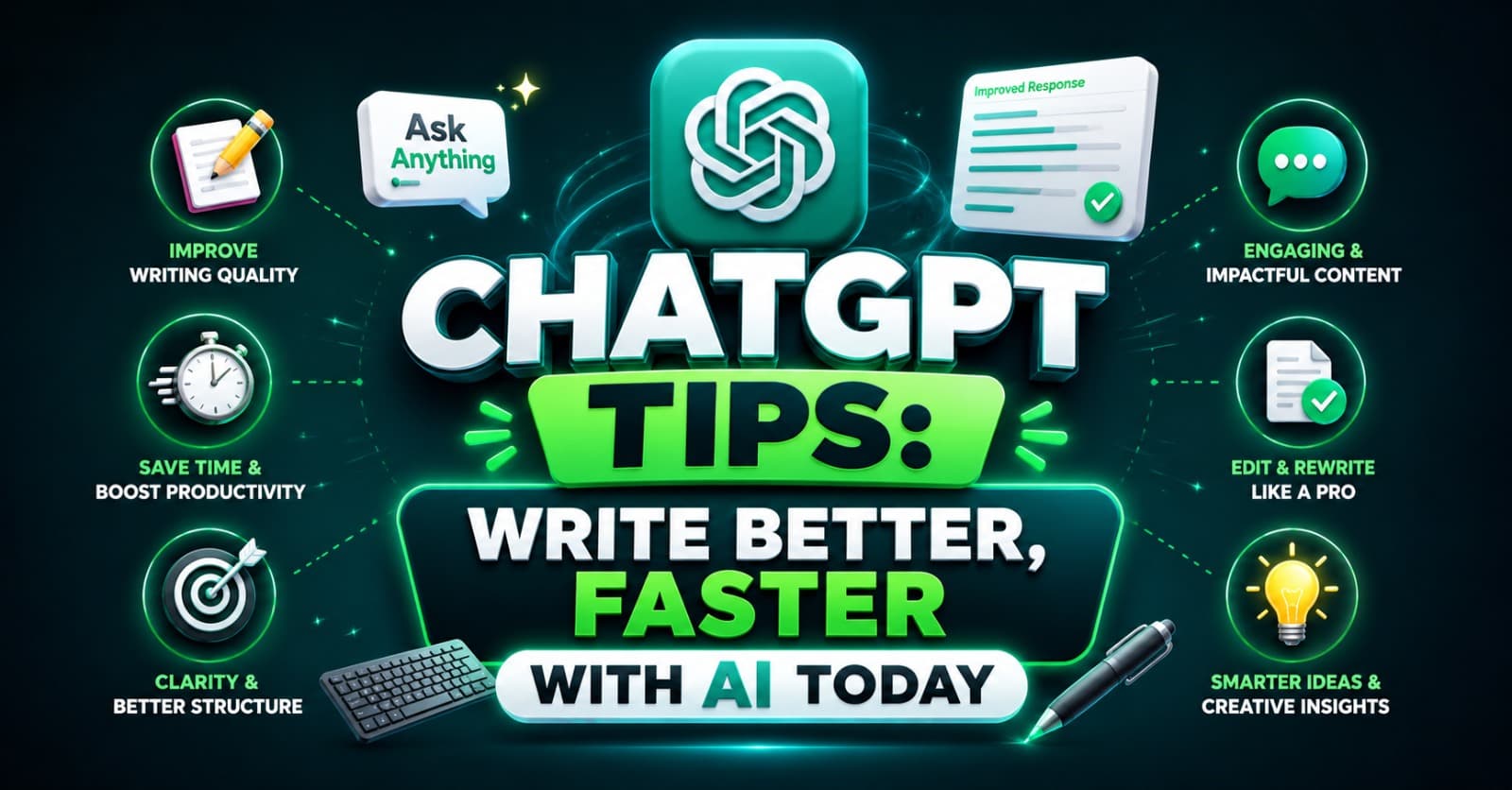
ChatGPT Tips: Write Better, Faster with AI Today
Writing has always been a craft that demands time, clarity, and consistency. But in today’s fast-moving digital landscape, content creators, marketers, students, and professionals need to produce high-quality work at a speed that human effort alone can barely sustain. That is where ChatGPT comes in.
ChatGPT developed by OpenAI is one of the most powerful conversational AI tools ever made available to the public. Since its launch, it has fundamentally transformed how millions of people think, draft, edit, and publish written content. Whether you are a blogger trying to beat a deadline, a business owner crafting marketing copy, or a student working through a research paper, Chatgpt has something to offer you.
This article walks you through expert-backed tips for using chat open ai to write better and faster, explores the tool’s most important features, and honestly examines both its strengths and limitations. If you want to get the most out of ChatGPT, this is the complete guide you need.
What Is ChatGPT and Why Does It Matter?
ChatGPT is a large language model (LLM) built by OpenAI. It is trained on vast amounts of text data and uses a technique called Reinforcement Learning from Human Feedback (RLHF) to produce responses that are helpful, harmless, and contextually relevant.
Unlike a simple autocomplete tool, Chat understands nuance. It can follow multi-step instructions, maintain conversational context over long exchanges, adjust its tone and style on request, and generate content across dozens of formats — from emails and blogs to code and screenplays.
The chat OpenAI interface is designed to feel like a conversation with a knowledgeable assistant. You type a prompt, and ChatGPT responds with thoughtful, structured output. This makes it one of the most accessible AI tools ever built, requiring no technical knowledge to use effectively.
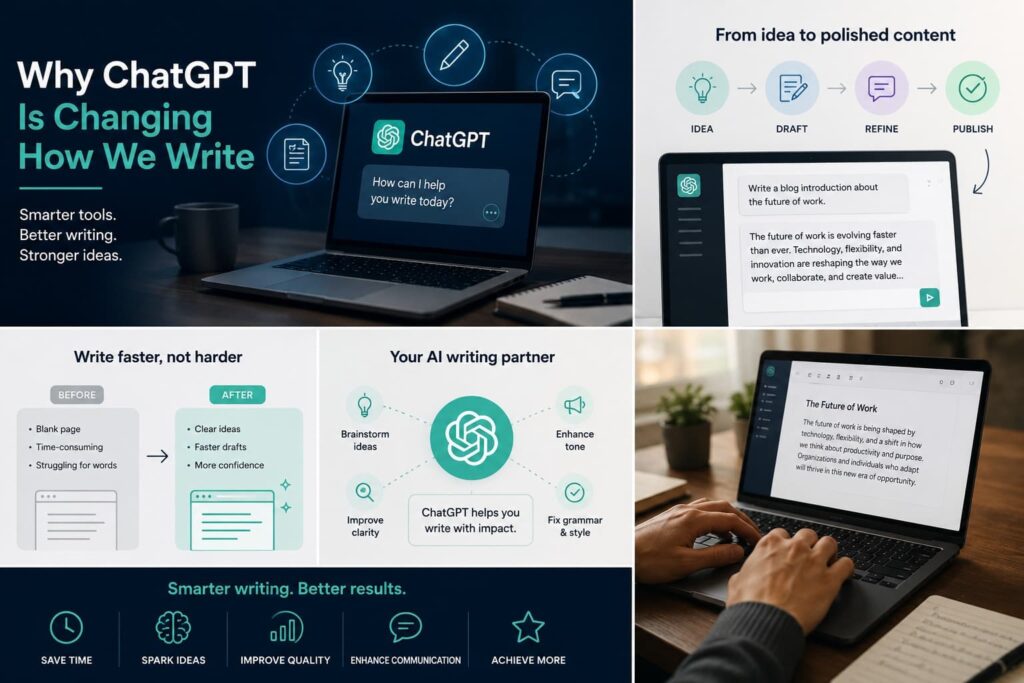
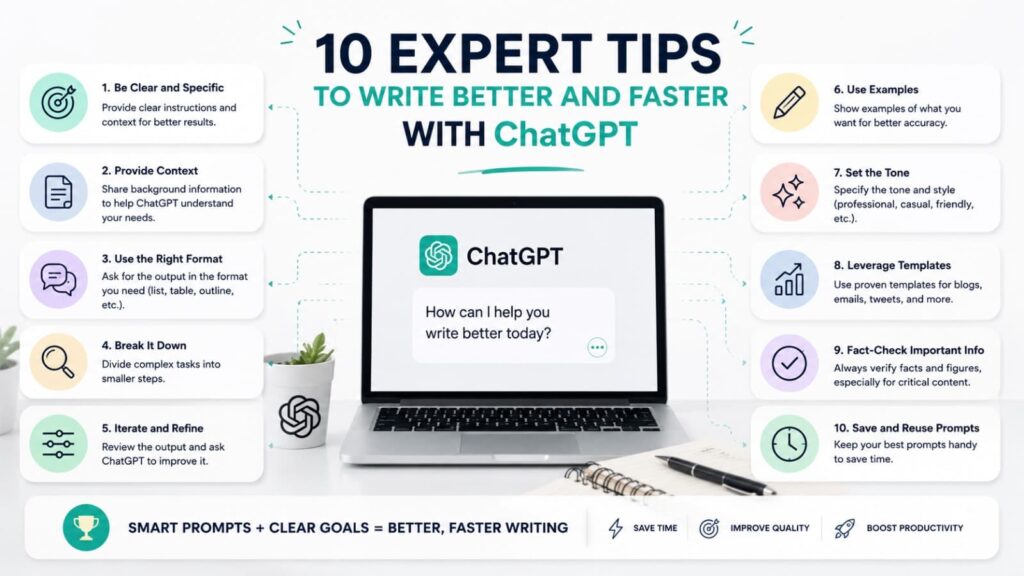
10 Expert Tips to Write Better and Faster with ChatGPT
1. Start with a Clear, Specific Prompt
The quality of your output from ChatGPT is directly tied to the quality of your input. Vague prompts produce vague results. Instead of typing “write something about marketing,” try: “Write a 300-word introductory paragraph for a blog targeting small business owners about low-cost digital marketing strategies in 2025.”
Chatgpt thrives on specificity. The more context you provide — audience, tone, format, length — the more useful the result.
2. Use Role-Based Prompting
One of the most powerful techniques when using Chat Open AI is to assign it a persona. Start your prompt with something like: “You are an experienced SEO copywriter with 10 years of experience in e-commerce content.”
This technique causes Chatgpt to frame its responses through the lens of that expertise, producing output that feels more authoritative and domain-specific. It is a simple adjustment that dramatically improves output quality.
3. Iterate and Refine in Conversation
ChatGPT is designed for conversation, not one-shot outputs. Many users make the mistake of accepting the first draft without pushing further. Instead, treat It’s like a writing collaborator. After a first response, ask it to:
- Make it more concise
- Add a stronger call-to-action
- Use a more professional tone
- Restructure the paragraphs for better flow
With every round of feedback, ChatGPT produces progressively better content tailored to your exact needs.
4. Use ChatGPT for Outlining First
Before jumping into full drafts, use Chatgpt to generate a detailed content outline. This saves enormous amounts of time and ensures your article or document has a logical, complete structure before a single body paragraph is written.
Prompt example: “Create a detailed 10-section outline for a 2,000-word article on remote work productivity tips for software engineers.”
From that outline, you can either write the content yourself (guided by the structure) or ask AI to expand each section one at a time.
5. Leverage ChatGPT for Editing and Proofreading
ChatGPT is not only useful for generation — it is an exceptional editing assistant. Paste any piece of writing into the chat GPT app and ask it to:
- Fix grammatical errors
- Improve sentence variety
- Remove passive voice
- Tighten wordy paragraphs
- Check for logical inconsistencies
This use case alone can cut your editing time in half. Many professional writers now use Chat GPT as a first-pass editor before sending work to a human reviewer.
6. Ask ChatGPT to Write in Your Voice
One concern many writers have is that ChatGPT output sounds generic. The solution is to feed it examples of your own writing and ask it to match your style.
Prompt example: “Here are three paragraphs I have written. Analyse my writing style, then write a new introduction for this article using the same tone, vocabulary, and structure.”
It’s is remarkably good at voice mimicry when given enough sample material. This is how professionals use AI ChatGPT to scale content without sacrificing authenticity.
7. Use ChatGPT for Research Summaries
While ChatGPT should not be used as a sole factual source (more on this in limitations), it is excellent for summarising complex topics into digestible explanations. Ask Chat AI to explain a concept, break down a theory, or simplify industry jargon — then verify specifics through authoritative sources.
This “understand, then verify” workflow allows you to move through research phases significantly faster while still maintaining factual integrity in your final content.
8. Generate Multiple Variations Simultaneously
Stuck between two headline options? Not sure which intro angle works better? Ask ChatGPT to generate five variations at once. This is particularly useful for:
- Email subject lines
- Social media captions
- Blog titles and meta descriptions
- Product descriptions
- Ad copy
Getting multiple options in seconds is one of the clearest productivity advantages and it’s offers over traditional writing workflows.

9. Set Format Constraints Explicitly
ChatGPT will default to its own formatting preferences unless told otherwise. If you need bullet points, use headers, a specific word count, or content written without any markdown, say so explicitly in your prompt.
ChatGPT responds well to format directives like:
- “Write this in plain paragraphs with no bullet points”
- “Keep the total response under 150 words”
- “Use H2 and H3 headings throughout”
This level of control is what separates amateur AI tool users from power users.
10. Build Reusable Prompt Templates
Once you find prompts that consistently produce excellent results, save them as templates. Professional content teams working with Chatgpt maintain libraries of proven prompt structures for:
- Blog post drafts
- Email sequences
- Product descriptions
- Social media content
- Internal documentation
Reusable prompts turn ChatGPT from a one-off tool into a scalable content system. Over time, this approach compounds your productivity gains dramatically.
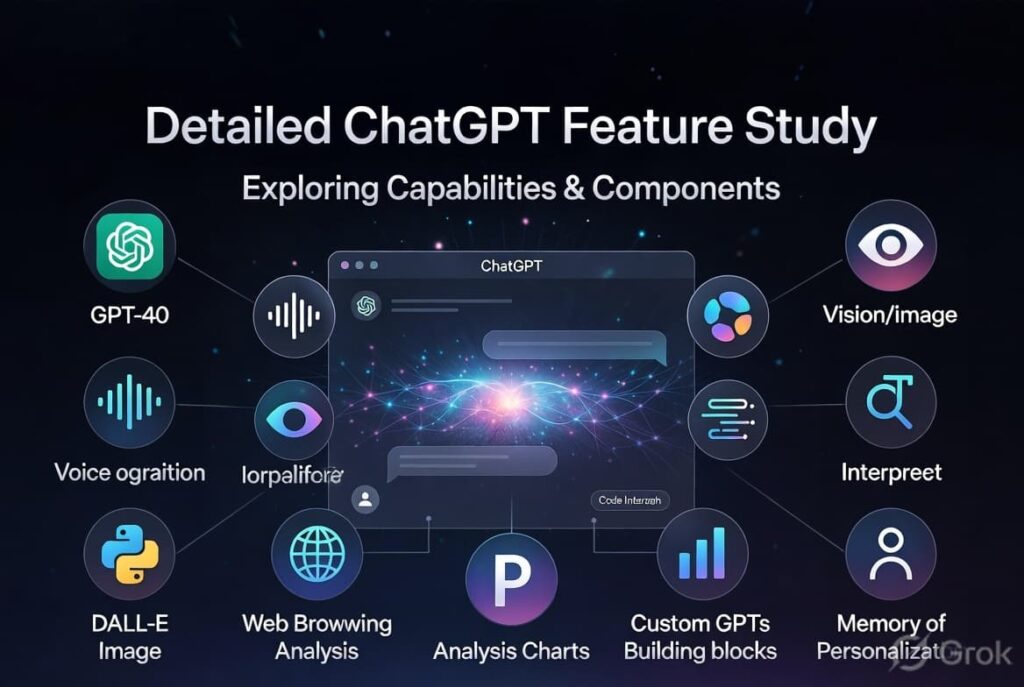
Detailed ChatGPT Feature Study
Understanding what Chatgpt actually offers under the hood allows you to use it far more effectively.
Natural Language Understanding (NLU)
At its core, Chatgpt is built on transformer architecture that gives it an exceptional ability to parse the intent behind ambiguous or complex instructions. This means you do not need to write prompts like code — natural, conversational language works.
Contextual Memory Within Conversations
Within a single session, It retains the full context of your conversation. This allows you to build on earlier messages, refer to previously generated content, and progressively refine a piece of writing without restating context each time.
Multilingual Capability
ChatGPT can read, write, and translate across dozens of languages. For global content teams, this is a significant advantage — produce content in English, then use AI tools to localise it for other markets, all within the same interface.
Code Generation
Beyond writing, Chatgpt is a capable programmer. It can write, debug, and explain code in Python, JavaScript, HTML, SQL, and dozens of other languages. This makes it invaluable not just for writers but for developers and technical teams.
Custom Instructions
Users can set persistent instructions that apply to all conversations. For example, you can tell Chatgpt always to write in British English, always to avoid clichés, or always to structure responses with a summary at the top. This personalisation feature is available via the chat GPT app and the web interface.
GPT-4o and Multimodal Capabilities
In its most advanced form, Chatgpt powered by GPT-4o can analyse images, read uploaded documents, process audio, and generate visual content through DALL·E integration. This makes the ai chatgpt ecosystem far more than a text tool — it is a fully multimodal AI platform.
Plugins and Third-Party Integrations
Through the chat OpenAI platform, users with paid plans can connect to third-party services including web browsing, code execution environments, file management tools, and more. These integrations expand ChatGPT’s capabilities dramatically for professional workflows.
API Access for Developers
Businesses can integrate ChatGPT directly into their own applications via OpenAI’s API. This allows companies to build custom tools powered by Chat GPT without routing users through the standard interface.
Benefits of ChatGPT
1. Massive Time Savings The most immediate benefit of Chatgpt is speed. Tasks that previously took hours — drafting emails, writing reports, generating content outlines — can now be completed in minutes. For professionals managing large content volumes, It is genuinely transformative.
2. Accessibility for Non-Writers Not everyone is a confident writer. Chat’s democratises writing by giving non-writers the ability to communicate clearly and professionally. Business owners who struggle with written communication can use Chat GPT to produce polished, articulate content without hiring a copywriter.
3. Creativity Catalyst Writer’s block is one of the most common productivity killers in content creation. ChatGPT breaks the blank-page problem by generating starting points, alternative angles, and creative ideas on demand.
4. Scalability Whether you need one blog post or one hundred product descriptions, ChatGPT scales to your workload without fatigue. This makes it an indispensable tool for content operations at scale.
5. Versatility Across Use Cases From academic essays to business proposals, sales emails to social media content, ChatGPT is one of the most versatile tools ever built. Its range of output types means it can serve virtually every writing need a person or team might have.
6. Cost-Effective Compared to hiring freelance writers or content agencies, ChatGPT offers significant cost savings — particularly for businesses that produce high volumes of content regularly.
Limitations of ChatGPT
1. Factual Accuracy Is Not Guaranteed ChatGPT can and does produce incorrect information confidently. This is known as “hallucination.” Always fact-check factual claims, statistics, quotes, and citations generated by Chat before publishing.
2. Knowledge Cutoff The base version of ChatGPT has a knowledge cutoff date and does not have real-time internet access unless web browsing is enabled. This means it may not reflect the latest news, research, or developments in fast-moving fields.
3. Lacks Genuine Expertise ChatGPT synthesises information from its training data but does not have lived experience, professional credentials, or original subject-matter expertise. Content that requires deep domain knowledge should always be reviewed by a qualified human expert.
4. Risk of Generic Output Without careful prompting, Chat GPT can produce content that feels formulaic or lacks a distinctive voice. Users must invest time in crafting specific prompts and refining outputs to achieve truly differentiated content.
5. Ethical and Plagiarism Concerns The use of ChatGPT in academic and professional contexts raises ethical questions around originality and disclosure. Different institutions and platforms have different policies — users are responsible for understanding and complying with relevant rules.
6. Prompt Dependency The quality of ChatGPT output is only as good as the quality of the prompt. Users who do not invest in learning effective prompting techniques will consistently get mediocre results, leading to frustration or misuse of the tool.
How Professionals Are Using ChatGPT in the Real World
Across industries, professionals are integrating into their daily workflows in increasingly sophisticated ways. Content strategists use Chat GPT to map keyword clusters and build topic authority across large editorial calendars. Legal teams use it to draft boilerplate clauses and summarise lengthy documents. Customer support operations use Chat GPT to generate response templates and train new agents.
In the marketing world, ai chat gpt app workflows have become standard operating procedure at agencies of all sizes. Campaign briefs, ad variations, landing page copy, email sequences — all are now produced faster and iterated more frequently thanks to ChatGPT.
For individual professionals — coaches, consultants, creators — Chat GPT has become a one-person content department. A single individual can now produce newsletter issues, social posts, lead magnets, and blog articles that previously required a full team.
The common thread in all these use cases is intentional integration. The professionals getting the most value from Chat Open AI are not using it to replace thinking — they are using it to accelerate execution while keeping strategic control firmly in human hands.
Frequently Asked Questions (FAQs)
Q1: Is ChatGPT free to use?
ChatGPT offers a free tier that gives users access to the GPT-3.5 model through the chat Open AI web platform. A paid subscription (ChatGPT Plus) provides access to GPT-4o, faster response times, file uploads, image generation, and advanced features within the chat GPT . The free version is sufficient for casual use, while the paid tier is recommended for professionals relying on Chat GPT for regular, high-volume tasks.
Q2: Can ChatGPT write content that ranks on Google?
Chat GPT can produce well-structured, readable content, but ranking on Google requires more than good writing. Search engine performance depends on topic authority, backlinks, technical SEO, content depth, and demonstrated real-world credibility. It is the best used as a drafting and ideation tool. Content should be enriched with original insights, verified data, and expert perspectives before publication to perform well in competitive search environments.
Q3: How do I make ChatGPT write in my personal style?
Provide Chat GPT with three to five examples of your own writing and explicitly ask it to analyse and replicate your style. Include notes about your preferred tone (formal vs. conversational), sentence length preferences, and any stylistic quirks you want preserved. The chat Open AI system is highly capable of voice mimicry when given adequate sample material. You can also use the Custom Instructions feature within your Chat GPT account to set persistent style guidelines.
Q4: Is it safe to share confidential information with ChatGPT?
Users should exercise caution when sharing sensitive business information, personal data, or proprietary content with Chat Open AI’s data practices allow conversation data to be used for model training by default, though users can opt out in their privacy settings. For sensitive workflows, consider using the Chat GPT API with enterprise-level data agreements, or use Open AI’s Enterprise plan which provides stronger data privacy guarantees.
Q5: What is the difference between ChatGPT and other AI writing tools?
ChatGPT is the foundational model on which many other AI tools are built. While competitors like Google Gemini, Microsoft Copilot, and others offer similar functionality, Chat is widely regarded as the benchmark for conversational AI quality. Its strengths include nuanced instruction-following, conversational memory, multimodal capabilities (in GPT-4o), and a vast ecosystem of third-party integrations available through the chat Open platform and chat GPT app.
Conclusion
ChatGPT is not a replacement for human creativity, judgment, or expertise — but it is one of the most powerful accelerants those qualities have ever had. Used with intentionality and skill, Chat GPT can double or triple your writing output while improving consistency and reducing the mental load of first-draft creation.
The professionals who thrive in the coming years of AI-assisted content will not be those who resist ChatGPT — they will be those who master it. Learn the prompting techniques. Study the features. Understand the limitations. And use this as the extraordinary thinking partner it was built to be.
Whether you access it through the chat GPT app, the chat OpenAI web platform, or via API integration, ChatGPT is ready to help you write better, faster, and smarter — starting today.

Mohammed Viqar Ali is a Digital Marketer, UI/UX Designer, and content creator passionate about AI, technology, SEO, and digital growth. As the UI/UX Designer of aiblogmind, he focuses on creating user-friendly digital experiences while sharing practical insights on artificial intelligence, marketing trends, productivity tools, and online business growth. Through his content, he helps readers discover innovative solutions, stay updated with emerging technologies, and make informed decisions in the digital world.