



11 Powerful AI Coding Tools to Speed Up Development 2026
Software development in 2026 looks completely different from what it was just a few years ago. Developers are no longer writing every line of code manually for hours while switching between documentation tabs and debugging endless errors. Today, AI coding tools have become a normal part of modern workflows, helping programmers write code faster, debug smarter, and automate repetitive tasks that once consumed entire workdays. From startups to enterprise companies, everyone is now integrating AI developer tools into their coding process because speed matters more than ever in a highly competitive tech world.
The biggest problem developers face today is not just writing code. It is handling massive projects, understanding complex codebases, fixing bugs quickly, and shipping products faster without sacrificing quality. This is exactly where an AI code generator or a powerful coding assistant AI system becomes useful. These tools act like intelligent teammates that can suggest functions, generate scripts, explain errors, optimize code, and even create entire applications with simple prompts. Instead of replacing developers, these AI programming tools are helping programmers focus on creativity and logic while the AI handles repetitive work.
Recent reports show that the adoption of AI coding tools is growing rapidly across the software industry. Studies in 2026 reveal that more than 80% of developers either use or plan to use AI-assisted programming in their daily workflow. The market has exploded with new platforms competing to become the ultimate coding assistant. Some focus on automation, some specialize in debugging, while others are designed for enterprise security and collaboration.
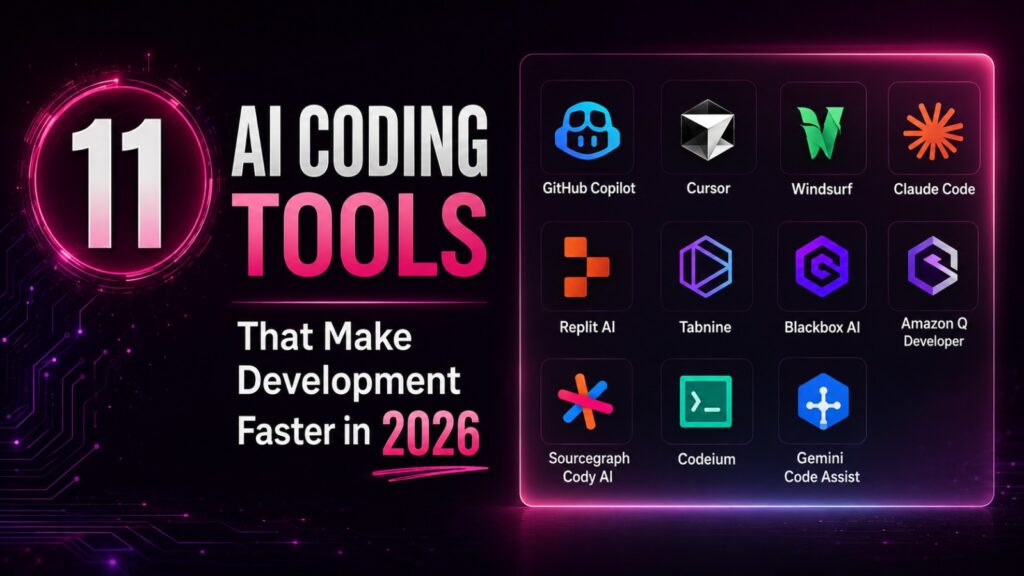
In this article, you will explore the top 11 AI coding tools that are transforming development in 2026. You will learn their strengths, weaknesses, features, and best use cases so you can choose the right platform for your workflow.
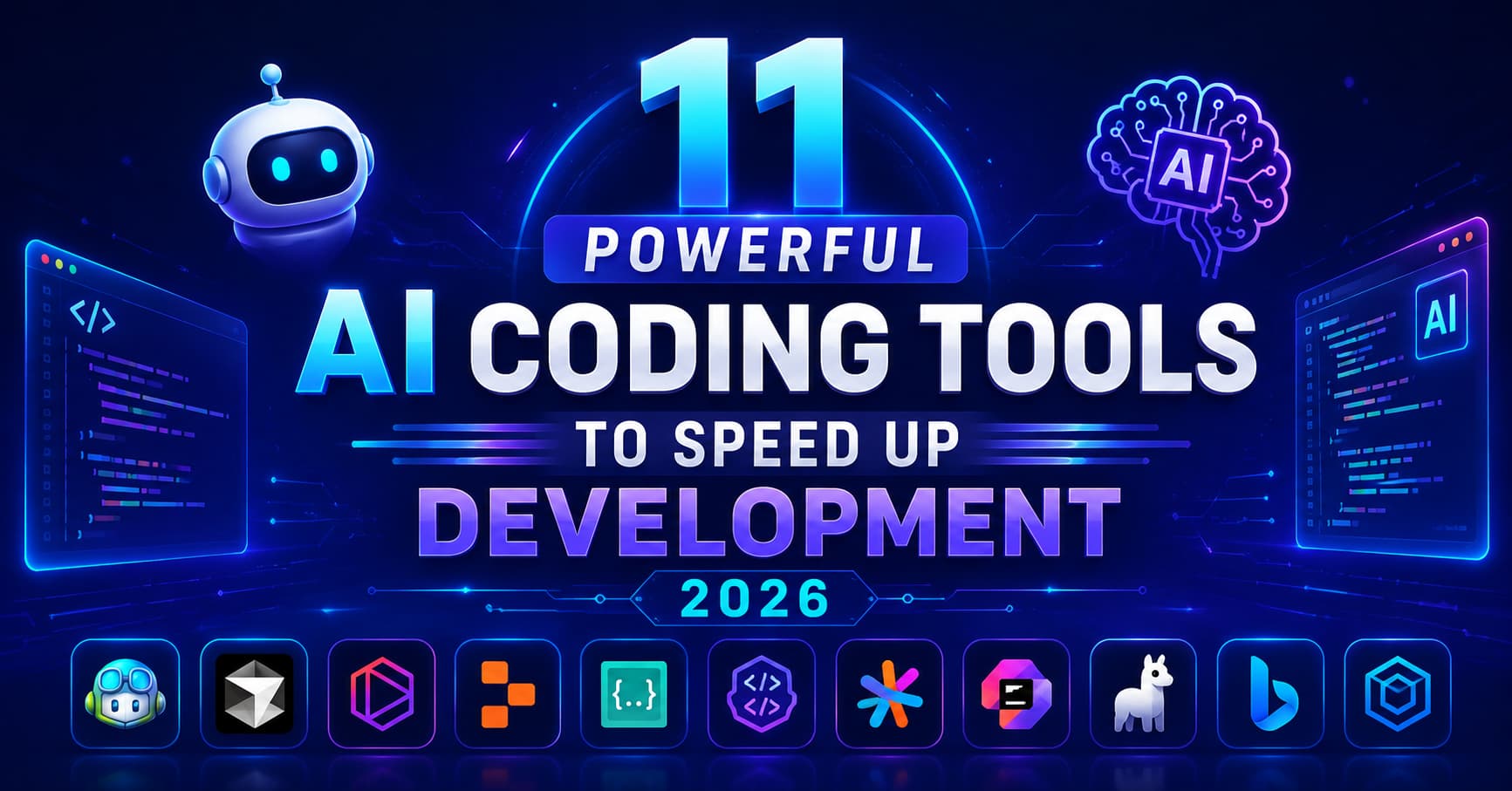
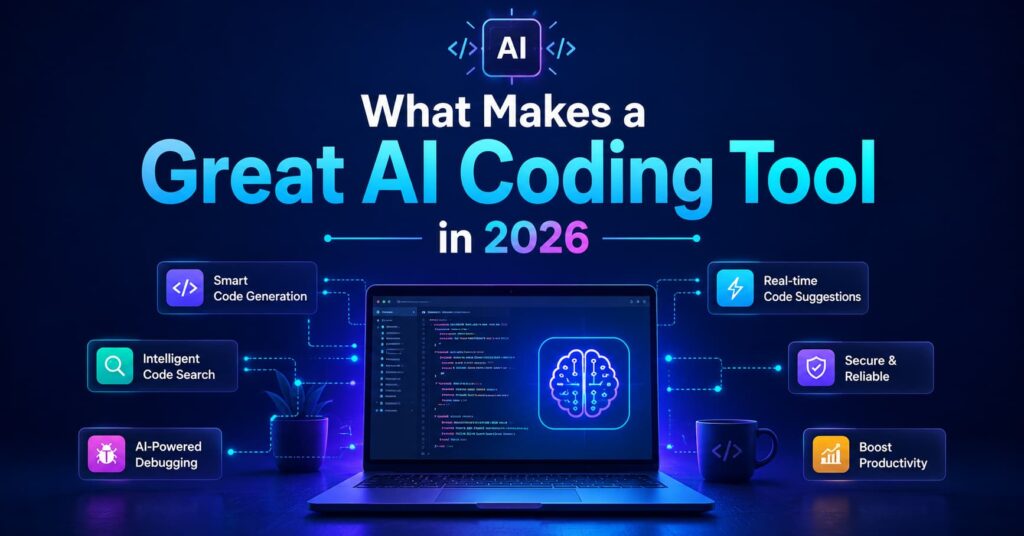
What Makes a Great AI Coding Tool in 2026
Not every AI assistant deserves a place in a developer’s toolkit. The best AI coding tools in 2026 are not simply autocomplete systems anymore. They understand context, analyze repositories, predict developer intent, and help manage complex software projects with surprising accuracy. Developers now expect these AI developer tools to behave more like collaborative engineering partners rather than basic code suggestion engines.
One major factor that separates high-quality tools from average ones is contextual awareness. A modern coding assistant AI should understand the entire project structure instead of suggesting isolated snippets. Tools like Cursor and Windsurf have become popular because they can analyze multiple files simultaneously and suggest changes across large applications. According to industry research published in 2026, deeper codebase indexing and better context management are now the biggest competitive advantages among leading AI programming tools.
Security has also become a critical concern. Companies handling private repositories need an AI code generator that protects sensitive information and complies with enterprise standards. Developers are becoming more cautious after several discussions around privacy risks and leaked credentials generated by some coding assistants. Because of this, many organizations now prioritize security-focused AI coding tools with better compliance controls and private deployment options.
Another important feature is workflow integration. Developers do not want to completely change their environment just to use AI. The best AI developer tools integrate smoothly with VS Code, JetBrains IDEs, GitHub workflows, cloud services, and deployment pipelines. Fast response time, accurate debugging, and collaborative features are also becoming standard expectations.
The most successful tools in 2026 are those that reduce mental load. Great AI should make coding feel smoother, not more complicated. It should feel like having an experienced senior engineer sitting next to you, helping you solve problems in real time.
GitHub Copilot
Among all AI coding tools, GitHub Copilot still remains one of the most recognized names in software development. Built through the partnership between GitHub and OpenAI, Copilot started as a smart autocomplete engine but evolved into a much more advanced platform by 2026. It now supports full code generation, AI chat assistance, agent workflows, pull request analysis, and automated debugging directly inside popular editors.
One reason why GitHub Copilot continues to dominate is familiarity. Millions of developers already use GitHub daily, so integrating a coding assistant AI directly into that environment feels natural. Developers can generate boilerplate code, create APIs, refactor functions, and receive intelligent suggestions without leaving the IDE. Research also suggests developers completed tasks significantly faster while using Copilot compared to traditional manual workflows.
GitHub Copilot works especially well for developers who need rapid code completion and team collaboration features. Enterprise organizations prefer it because of strong GitHub integration and enterprise compliance support. Teams can review AI-generated pull requests, automate repetitive coding tasks, and streamline large-scale software development.
Still, Copilot is not perfect. Some developers complain that it occasionally produces inaccurate or insecure code suggestions, which means human review remains essential. Discussions around privacy and secret leakage have also raised concerns among developers working on sensitive projects. Despite these issues, Copilot remains one of the most practical AI programming tools available today because of its balance between accessibility, performance, and ecosystem integration.
For beginners, Copilot feels like a helpful coding partner. For experienced engineers, it works like a productivity accelerator. That versatility explains why it continues to stay relevant even as new competitors enter the market.
Cursor AI
Cursor AI has become one of the fastest-growing AI coding tools in 2026, especially among developers who want a more intelligent and interactive coding experience. Unlike traditional extensions, Cursor is built as a complete AI-powered editor based on VS Code. This deeper integration allows the tool to understand entire projects instead of only single files or isolated functions.
Developers love Cursor because it feels more conversational and context-aware than many older AI developer tools. You can ask Cursor to refactor code, explain bugs, rewrite functions, or generate entire features using natural language prompts. Instead of acting like a simple autocomplete engine, it behaves more like an AI collaborator that understands your development workflow.
Industry comparisons in 2026 consistently rank Cursor among the top-performing AI programming tools for task completion and agent-based development. Many developers say Cursor is especially useful for large applications because it can scan repositories, analyze dependencies, and coordinate changes across multiple files. That saves enormous amounts of time during refactoring or debugging sessions.
Another reason behind Cursor’s rise is speed. Developers want AI assistance that feels instant, not delayed. Cursor’s responsiveness and intelligent context management make coding smoother and less mentally exhausting. It also supports multiple AI models, giving developers flexibility depending on their preferred workflow.
Cursor is particularly popular among startup teams and solo developers because it combines flexibility with powerful automation. Whether you are building web applications, APIs, or mobile projects, Cursor helps reduce repetitive coding tasks while improving productivity.
The growing popularity of Cursor also reflects a larger trend in software development. Developers no longer want passive assistants. They want proactive AI systems that understand goals, anticipate problems, and contribute meaningfully to projects. Cursor represents that shift very clearly.
Windsurf
Windsurf has quickly emerged as one of the most advanced AI coding tools for agent-driven development workflows. Created by Codeium, Windsurf focuses heavily on automation and multi-step reasoning, allowing developers to handle larger and more complex engineering tasks with less manual effort.
What makes Windsurf unique is its Cascade system, which acts almost like a team of AI agents working together. Instead of simply generating isolated code snippets, this coding assistant AI can manage large refactors, coordinate changes across repositories, and assist with architecture-level tasks. Developers describe it as less of an autocomplete engine and more of an autonomous coding partner.
Industry reports from 2026 highlight Windsurf as one of the fastest-growing AI developer tools in the market. Developers appreciate its ability to handle complex workflows that traditional coding assistants struggle with. Features like multi-agent sessions and Git integration make it highly useful for professional teams working on large applications.
Windsurf also gained popularity because it supports multiple development environments instead of forcing users into a single ecosystem. This flexibility appeals to developers who want powerful AI assistance without abandoning their existing tools.
One interesting trend in 2026 is the rise of “agentic coding,” where AI systems can independently perform sequences of tasks. Windsurf sits right at the center of this movement. Developers can assign high-level objectives while the AI handles much of the repetitive implementation work. This dramatically speeds up software delivery for teams operating under tight deadlines.
Despite its impressive capabilities, Windsurf still requires careful human oversight. Autonomous systems can occasionally make incorrect assumptions or produce unexpected changes in large projects. Developers still need to review and validate the final output carefully.
Even with those limitations, Windsurf demonstrates how far AI programming tools have evolved. Coding is becoming less about typing every line manually and more about guiding intelligent systems toward the desired outcome.
Claude Code
Claude Code has become one of the most respected AI coding tools for developers who prioritize reasoning, debugging, and large-scale code understanding. Unlike many AI assistants that focus mostly on autocomplete, Claude Code excels at analyzing complicated problems and explaining technical concepts clearly.
Developers often compare Claude Code to having a thoughtful senior engineer reviewing your work. It handles debugging sessions exceptionally well and provides detailed explanations that help developers understand why something is broken instead of simply suggesting fixes. This makes it especially valuable for learning, troubleshooting, and maintaining complex projects.
Many professional developers prefer Claude Code for handling difficult refactoring tasks and understanding massive repositories. Reports published in 2026 show that Claude Code performs particularly well in documentation tasks and feature implementation workflows. It has become increasingly popular among engineers who need deeper reasoning capabilities from their AI developer tools.
One interesting industry development involved Microsoft transitioning employees away from Claude Code toward GitHub Copilot CLI despite strong internal popularity for Claude. That situation highlights how competitive the AI programming tools market has become in 2026.
Claude Code is especially useful for developers working with large codebases where understanding architecture matters as much as writing code itself. It shines in situations requiring careful analysis, structured explanations, and detailed debugging guidance.
The rise of tools like Claude Code also reveals something important about the future of development. Developers increasingly value reasoning quality, not just generation speed. A fast autocomplete system is useful, but a tool that truly understands software logic creates much greater long-term productivity gains.
Comparing the Best AI Coding Tools
Choosing between different AI coding tools can feel overwhelming because every platform offers unique strengths. Some tools focus on automation, while others specialize in debugging, collaboration, or enterprise security. The right choice depends heavily on your workflow, project size, and technical goals.
| Tool | Best For | Key Strength | Ideal Users |
|---|---|---|---|
| GitHub Copilot | Everyday coding | Strong GitHub integration | Teams and enterprises |
| Cursor AI | Full-project workflows | Deep contextual understanding | Startups and solo developers |
| Windsurf | Agentic automation | Multi-file AI workflows | Advanced developers |
| Claude Code | Debugging and reasoning | Intelligent explanations | Professional engineers |
| Replit AI | Rapid prototyping | Cloud-based app creation | Beginners and indie builders |
| Tabnine | Privacy-focused coding | Secure local AI models | Enterprise environments |
| Amazon Q Developer | AWS development | Cloud-native integration | AWS developers |
| JetBrains AI Assistant | IDE productivity | Deep IDE integration | Professional coders |
| Sourcegraph Cody | Large repositories | Codebase understanding | Enterprise teams |
| Codeium | Free AI assistance | Budget-friendly features | Students and startups |
| Devin AI | Autonomous development | Task automation | Experimental teams |
Recent market surveys show that developers increasingly use multiple AI developer tools together instead of relying on one platform exclusively. Some use GitHub Copilot for autocomplete, Cursor for repository-level work, and Claude Code for debugging complicated logic. This layered workflow approach is becoming common because no single AI code generator perfectly handles every development scenario.
The competition between these platforms is driving rapid innovation. Features that once seemed futuristic—like autonomous coding agents and full-project reasoning—are quickly becoming standard expectations in modern development.
How AI Coding Tools Improve Development
Modern AI coding tools improve development speed in several ways:
- They automate repetitive coding tasks
- They reduce debugging time
- They generate optimized solutions
- They support multiple programming languages
- They improve code quality instantly
Using AI coding tools, developers can focus more on architecture instead of syntax.
Businesses using AI developer tools report faster delivery cycles and better performance. Similarly, AI code generator systems help convert ideas into production-ready code quickly.
To know more about AI, follow us.
Role of Coding Assistant AI
A coding assistant AI plays a critical role in modern development workflows. It helps developers by:
- Suggesting improvements
- Fixing errors instantly
- Explaining code logic
- Generating boilerplate code
When combined with AI coding tools, it becomes a powerful productivity system.
Importance of AI Developer Tools
AI developer tools are now essential because modern systems are more complex than ever. Developers need automation to keep up with demand.
These tools help in:
- Faster development cycles
- Better collaboration
- Reduced human error
- Higher scalability
This is why AI coding tools are now standard in most companies.

Final Verdict
The software development industry is moving into a completely new era where AI coding tools are becoming as essential as IDEs and version control systems. Developers are no longer asking whether they should use AI assistance. The real question is which tools fit their workflow best.
GitHub Copilot remains one of the safest and most practical choices for general productivity and collaboration. Cursor stands out for intelligent repository-level assistance and natural conversational coding. Windsurf pushes the boundaries of agent-based automation, while Claude Code shines in debugging and deep reasoning tasks. Other platforms like Replit AI, Tabnine, and Sourcegraph Cody also provide valuable solutions depending on your specific development environment.
The biggest takeaway from 2026 is that AI is not replacing developers. Instead, these AI programming tools are helping programmers work faster, think more strategically, and spend less time on repetitive tasks. Developers who learn how to collaborate effectively with AI will likely gain a major advantage in the coming years.
At the same time, human oversight remains critical. AI-generated code still requires testing, review, and security validation. The best results happen when developers treat AI as a highly capable assistant rather than a fully autonomous replacement.
Software engineering is becoming more creative, faster, and more collaborative because of these technologies. The developers who adapt early will shape the future of coding itself.
FAQs
1. What are AI coding tools?
AI coding tools are software platforms that use artificial intelligence to help developers write, debug, optimize, and manage code faster. These tools can generate code suggestions, explain errors, automate repetitive tasks, and improve productivity.
2. Which AI coding tool is best for beginners?
GitHub Copilot and Replit AI are considered beginner-friendly because they are easy to use and integrate smoothly into common development workflows. They help new developers learn coding faster with intelligent suggestions.
3. Can AI coding tools replace programmers?
No. Modern AI developer tools improve productivity but still require human developers for architecture decisions, logic validation, testing, and security reviews. AI works best as a coding assistant rather than a replacement.
4. Are AI-generated codes secure?
Not always. Developers should carefully review AI-generated code because some suggestions may contain bugs or security vulnerabilities. Security testing and manual validation are still necessary.
5. Why are AI programming tools becoming popular in 2026?
These tools save time, reduce repetitive work, improve debugging speed, and help developers ship projects faster. As AI models become smarter, developers are increasingly relying on them for daily software engineering tasks.

Syed Abubakkar is a content and SEO specialist responsible for article publishing, on-page SEO, keyword optimization, and AI-powered image generation. He is passionate about digital marketing and helping websites grow their online presence.