

10 Effective AI Tools for Beginners to Start Fast Today
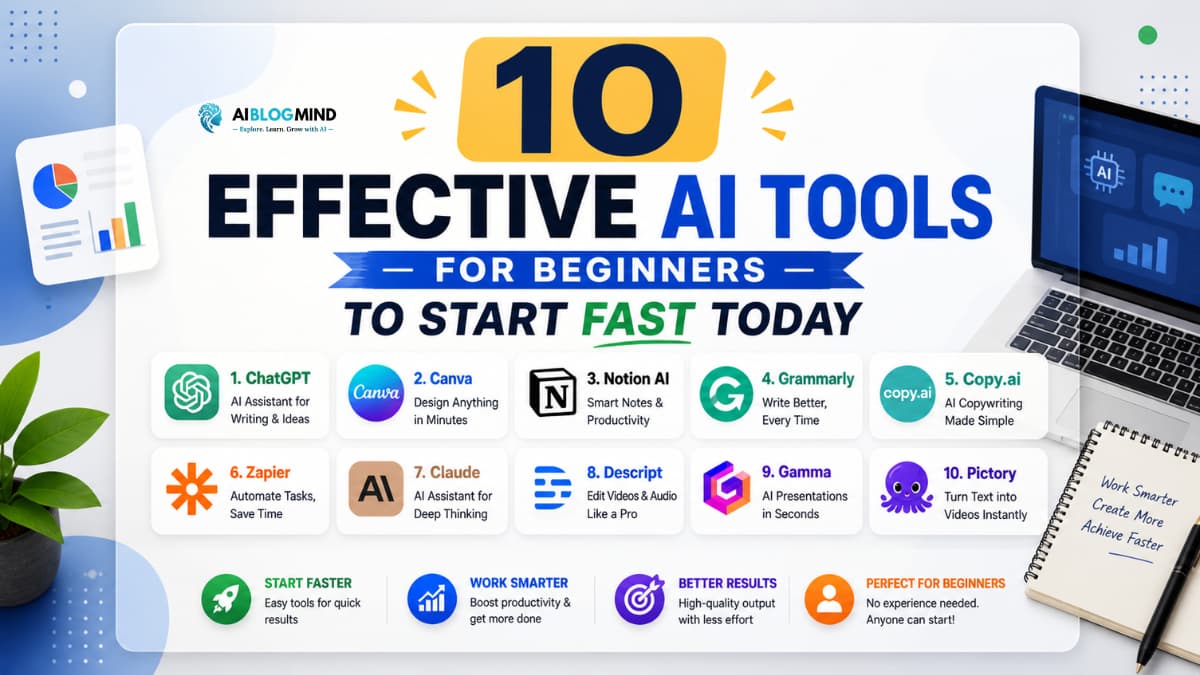
Imagine having a personal assistant that writes your emails, designs your graphics, summarises long documents, and even helps you study all in seconds, all for free. That is not a distant dream. That is what AI tools for beginners can do for you, starting today.
Here is the problem most new users face: the internet is flooded with hundreds of AI tools, and nobody tells you which ones are actually worth your time. As a beginner, you do not know where to start, which tools are safe, which are free, and which ones will genuinely help you get things done faster. It feels overwhelming, and most people give up before they even begin.
But here is the good news you do not need to be a tech expert to benefit from AI. The best AI tools for beginners are designed to be simple, intuitive, and powerful right out of the box. You do not need to write code, understand algorithms, or pay expensive subscriptions. Many of the most effective AI tools for beginners are completely free.
In this article, we cover 10 of the most effective AI tools for beginners, explain their benefits and limitations, walk you through how to choose the right one, and answer the questions beginners ask most often. If you have been waiting for the right moment to explore AI, this is it.
Benefits of AI Tools for Beginners
Understanding why AI tools for beginners are worth exploring is the first step. Here are the key benefits that make these tools so valuable for anyone just starting out.
1. They Save You Enormous Amounts of Time
One of the biggest advantages of AI tools for beginners is speed. Tasks that used to take hours writing a blog post, editing a photo, creating a presentation can now be completed in minutes. Time is your most valuable resource, and AI helps you protect it.
2. They Are Easy to Use
The best AI tools for beginners require no technical background. Most operate through simple chat interfaces or drag-and-drop designs. If you can type a sentence or click a button, you can use them effectively.
3. Many Are Completely Free
A large number of the best free ai tools on the market offer generous free plans that give beginners full access to core features. You can explore, experiment, and build real skills without spending anything.
4. They Help You Learn Faster
AI tools for beginners can explain complex topics in simple language, create personalised study materials, and answer your questions instantly. Whether you are learning a new language, studying for an exam, or picking up a new skill, AI accelerates your learning.
5. They Boost Creativity
Worried you are not creative enough? AI tools for beginners can generate ideas, write first drafts, suggest designs, and help you overcome creative blocks. They do not replace your creativity they amplify it.
6. They Are Available 24/7
Unlike a colleague or tutor, AI tools for beginners never sleep, never take breaks, and are always ready to help. Whenever inspiration or a problem strikes, your AI tool is right there.
7. They Level the Playing Field
Small business owners, students, freelancers, and solo creators can now access capabilities that were once only available to large companies with big budgets. Free ai tools have truly democratised access to technology.
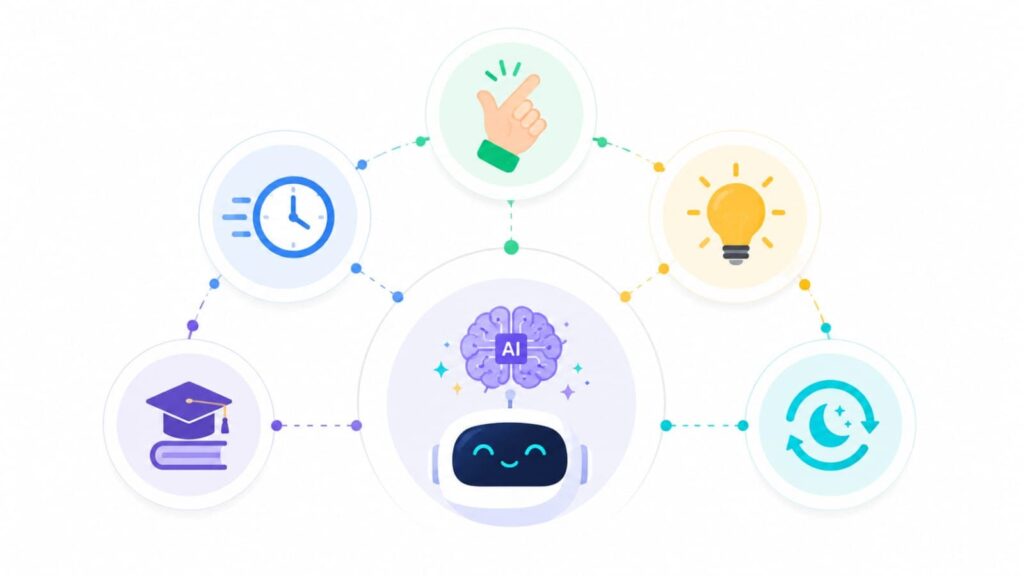
Limitations of AI Tools for Beginners
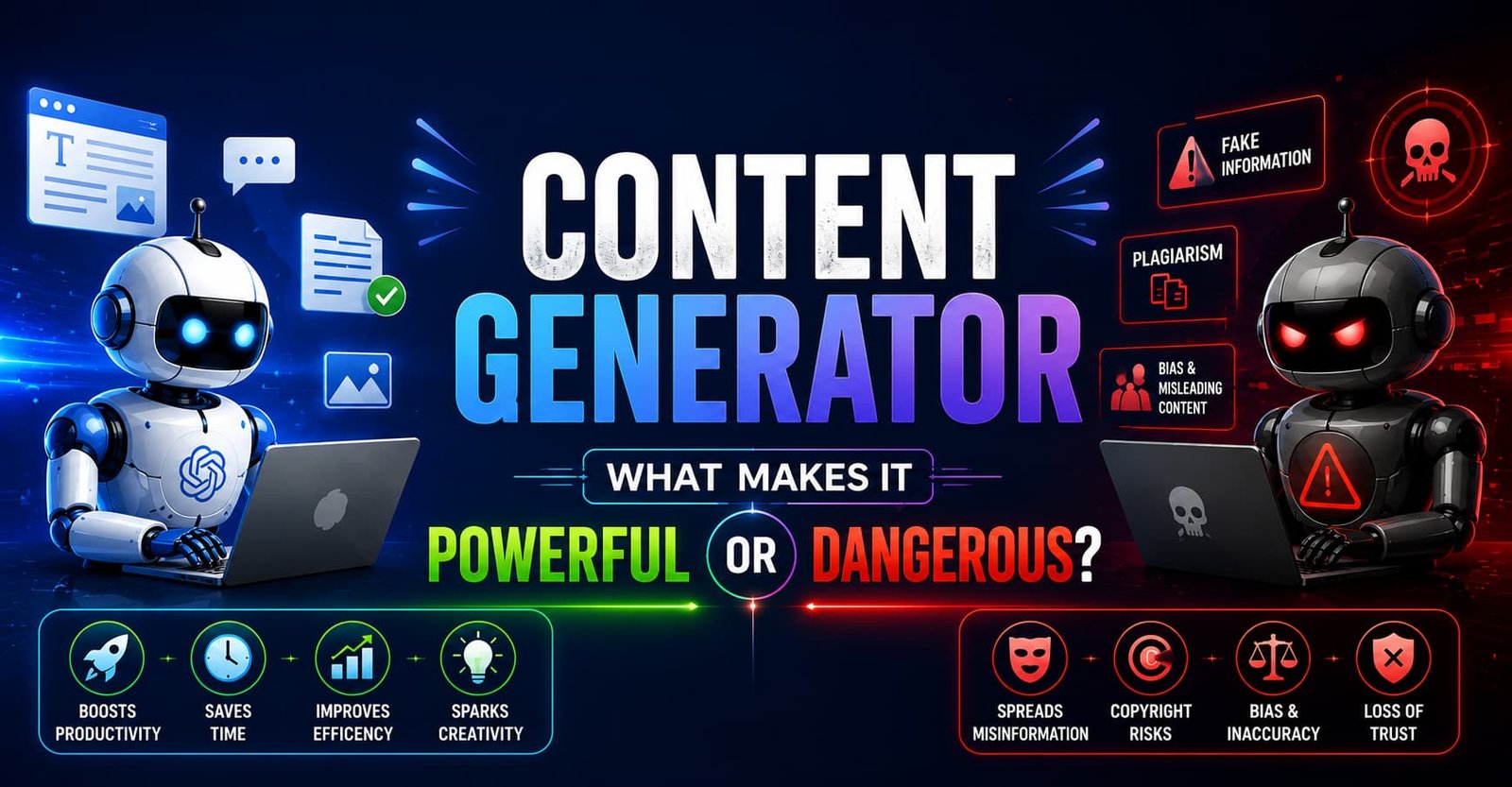
While AI tools for beginners offer tremendous value, it is important to understand their limitations so you can use them wisely and set the right expectations.
1. They Can Make Mistakes
AI is powerful but not perfect. AI tools for beginners can sometimes generate incorrect information, outdated facts, or responses that sound confident but are wrong. Always verify important information from reliable sources before using it.
2. They Require Clear Instructions
The quality of what you get from AI tools for beginners depends heavily on how well you ask. Vague or unclear prompts often lead to generic, unhelpful results. Learning to write good prompts takes a little practice.

3. Free Plans Have Limitations
Most free ai tools offer limited usage per day, restricted access to advanced features, or slower processing speeds on free tiers. For casual or beginner use, free plans are usually sufficient but heavy users may eventually need a paid plan.
4. Privacy Considerations
When you use cloud-based AI tools for beginners, the text and files you submit may be processed on external servers. Avoid sharing highly sensitive personal or financial information through AI tools unless you have reviewed their privacy policies.
5. They Cannot Replace Human Judgement
AI tools for beginners are assistants, not decision-makers. They can support your thinking, but critical decisions in healthcare, legal matters, finance, or personal relationships should always involve qualified human expertise.
6. Over-Reliance Can Be a Risk
It is easy to become too dependent on AI tools for beginners. Use them to enhance your abilities, not to bypass the process of learning and developing your own skills.
Keeping these limitations in mind helps you get the most from your AI tools list while avoiding common pitfalls.
Top 10 AI Tools for Beginners to Start Fast Today
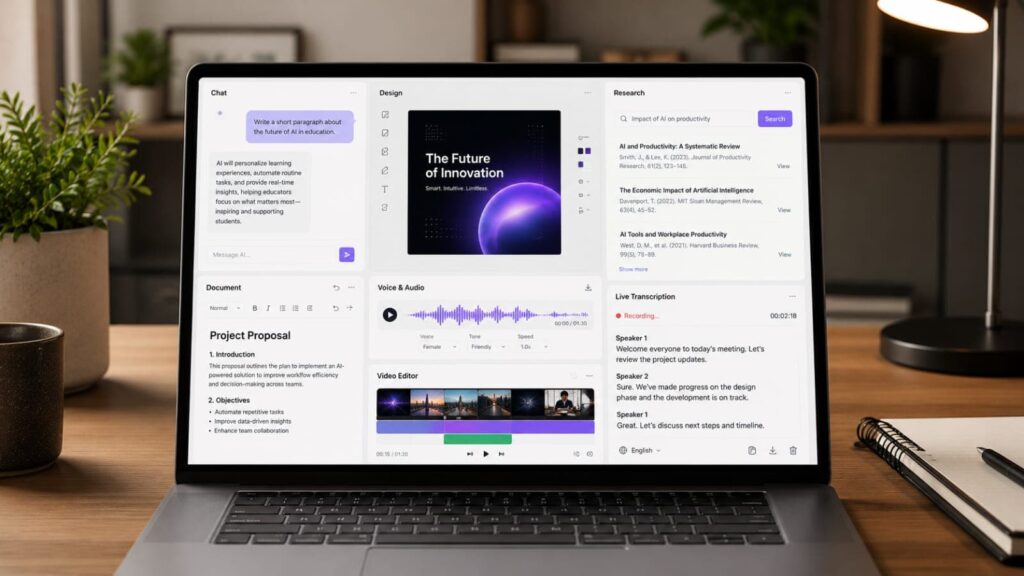
Here are 10 of the most effective and beginner-friendly AI tools available right now. All of them are widely trusted, easy to use, and offer free access to get started.
1. ChatGPT
ChatGPT by OpenAI is the most well-known of all AI tools for beginners, and for good reason. It is a conversational AI that can write, explain, brainstorm, summarise, translate, and answer almost any question you throw at it.
Why it stands out: ChatGPT is one of the most versatile entries on any AI tools list. Whether you need help drafting an email, understanding a complex concept, preparing for a job interview, or writing a creative story, ChatGPT handles it all in plain, natural language.
Best for: Writing assistance, learning, brainstorming, summarising content, and general productivity.
How to get started: Visit chat.openai.com and create a free account. The free plan gives you access to GPT-3.5, which is already highly capable for most beginner tasks.
2. Google Gemini
Google Gemini is one of the most powerful AI tools for beginners available today, and it is deeply integrated with Google’s ecosystem. It can help you write, research, analyse images, and even assist inside Google Docs and Gmail.
Why it stands out: For anyone already using Google products, Gemini feels natural and instantly useful. It is one of the top free ai tools from a major technology company, offering impressive capabilities at no cost.
Best for: Writing, research, summarising emails, working within Google Workspace, and answering complex questions.
How to get started: Visit gemini.google.com and sign in with your Google account. No separate signup is required.
3. Microsoft Copilot
Microsoft Copilot is built directly into Windows, Microsoft Edge, and the Microsoft 365 suite. For beginners who already use Word, Excel, or PowerPoint, it is one of the most immediately useful AI tools for beginners available.
Why it stands out: Copilot brings AI directly into the tools most people already use at work or school. It can draft documents, analyse spreadsheets, generate presentations, and search the web all within familiar software.
Best for: Office productivity, document creation, data analysis, and students or professionals using Microsoft products.
How to get started: Access Copilot for free at copilot.microsoft.com or through the Copilot button in Microsoft Edge.
4. Canva AI
Canva is already the world’s most popular design tool for non-designers, and its AI features have made it even more powerful. Canva AI includes tools for generating images, writing copy, removing backgrounds, and creating full presentations from a single text prompt.
Why it stands out: Canva AI is one of the most accessible AI tools for beginners in the creative space. You do not need any design experience. Simply describe what you want, and Canva’s AI helps you build it.
Best for: Social media graphics, presentations, posters, marketing materials, and any visual content creation.
How to get started: Visit canva.com and sign up for a free account. Most AI features are available on the free plan.
5. Notion AI
Notion is a popular productivity and note-taking platform, and its AI features make it one of the most useful AI tools for beginners who want to stay organised. Notion AI can write, summarise, translate, brainstorm, and help you manage your knowledge base.
Why it stands out: Notion AI works directly inside your notes and documents, making it one of the most seamlessly integrated entries on this AI tools list. It is perfect for students, writers, and anyone who works with information regularly.
Best for: Note-taking, project management, writing drafts, summarising research, and organising ideas.
How to get started: Visit notion.so and create a free account. Notion AI is available as an affordable add-on, with a free trial to get started.
6. Grammarly
Grammarly is one of the most trusted AI tools for beginners when it comes to writing. It checks your grammar, spelling, punctuation, tone, and clarity in real time across emails, documents, social media, and more.
Why it stands out: Grammarly is one of the most practical free ai tools for anyone who writes in English. It works as a browser extension, a desktop app, and integrates with most writing platforms. Even experienced writers use it daily.
Best for: Email writing, essays, reports, social media posts, and any professional or academic writing.
How to get started: Visit grammarly.com and install the free browser extension. It starts working immediately on any website where you type.
7. Perplexity AI
Perplexity AI is a powerful research assistant and one of the most underrated AI tools for beginners. Unlike a standard chatbot, Perplexity searches the web in real time and provides answers with clear source citations.
Why it stands out: Most AI tools for beginners use training data with a knowledge cutoff. Perplexity goes further by actively searching the web, giving you current, accurate, and cited information. It is one of the best free ai tools for anyone who needs reliable, up-to-date answers.
Best for: Research, fact-checking, learning about current events, and getting sourced answers to specific questions.
How to get started: Visit perplexity.ai and start asking questions for free no account required to begin.
8. ElevenLabs
ElevenLabs is one of the most impressive AI tools for beginners in the audio space. It converts text into natural-sounding speech using AI voices that are remarkably realistic and expressive.
Why it stands out: ElevenLabs opens up entirely new possibilities for AI tools for beginners who work with content. Podcasters, YouTubers, educators, and storytellers can create professional voiceovers without a microphone or recording setup.
Best for: Creating voiceovers, narrating videos, producing audio content, accessibility tools, and language learning.
How to get started: Visit elevenlabs.io and sign up for a free account. The free plan includes a generous monthly character allowance to experiment with.
9. Runway ML
Runway ML is one of the most exciting AI tools for beginners interested in video creation. It offers AI-powered video editing, generation, background removal, and visual effects tools that previously required professional software and years of training.
Why it stands out: Runway ML makes professional-grade video production accessible to complete beginners. Its text-to-video and image-to-video features are among the most impressive in the AI tools list for creatives.
Best for: Video editing, content creation, social media videos, short films, and visual storytelling.
How to get started: Visit runwayml.com and create a free account. The free plan includes credits to experiment with the core AI video tools.
10. Otter.ai
Otter.ai is one of the most practical AI tools for beginners in the productivity category. It automatically transcribes spoken conversations, meetings, interviews, and lectures into searchable, shareable text notes in real time.
Why it stands out: Otter.ai solves a real, everyday problem missing important information from meetings or lectures. It is one of the most immediately useful free ai tools for students, professionals, and anyone who attends regular meetings or interviews.
Best for: Meeting transcription, lecture notes, interview recording, podcast transcripts, and accessibility.
How to get started: Visit otter.ai and sign up for a free account. The free plan includes 300 minutes of transcription per month.

Comparison of the Top AI Tools for Beginners
Here is a plain-language comparison to help you navigate the full AI tools list covered in this guide.
ChatGPT is the most versatile of all AI tools for beginners, covering writing, learning, and brainstorming with ease. Google Gemini is the top choice for anyone inside the Google ecosystem. Microsoft Copilot wins for Office users who want AI built directly into their existing workflow. Canva AI leads among AI tools for beginners in design and visual content creation. Notion AI is best for organising knowledge and writing within a productivity workspace.
Grammarly is the most practical free ai tools option for improving everyday writing quality. Perplexity AI is the standout choice for research and sourced, real-time answers. ElevenLabs is the best entry on the AI tools list for audio and voice content. Runway ML is the top pick for video creation among AI tools for beginners. Otter.ai is the most immediately useful tool for anyone who attends meetings or lectures regularly.
All ten tools offer free plans or free trials, making them accessible as free ai tools for beginners who are not yet ready to invest in paid subscriptions.
How to Choose the Right AI Tool for Beginners
With ten great options on this AI tools list, how do you decide where to start? Use this simple framework.
Identify your biggest need first. The best AI tools for beginners are the ones that solve a real problem you have right now. Do you struggle with writing? Start with ChatGPT or Grammarly. Need help with design? Go with Canva AI. Attending lots of meetings? Try Otter.ai. Matching the tool to a genuine need makes adoption much easier.
Start with free tools. All ten tools on this AI tools list offer free access. There is no reason to pay for anything until you have tested a tool, understand its value, and decided it fits your workflow. The best free ai tools give you enough capability to experience real results before upgrading.
Choose simplicity over features. As a beginner, you do not need the most powerful tool you need the one that is easiest to start with. AI tools for beginners should feel intuitive within the first few minutes of use. If a tool feels complicated, move on and try another.
Think about where you already spend time. The most effective AI tools for beginners are often the ones that fit into your existing habits. If you live in Google Docs, try Gemini. If you use Microsoft Office, try Copilot. Reducing friction makes it far easier to build a consistent AI habit.
Experiment with at least two or three tools. Every tool on this AI tools list has different strengths. Trying a few helps you discover what feels natural for you and broadens your understanding of what AI tools for beginners can do.
Final Verdict
The 10 AI tools for beginners covered in this guide represent the best starting points available today. From writing and design to research, video, audio, and productivity, there is an AI tool here for every type of beginner and every type of goal.
The most important thing to remember is this: you do not need to master all of them at once. Pick one tool from this AI tools list that addresses your biggest need right now, use it consistently for a week, and notice the difference it makes. Then explore another.
AI tools for beginners are not about replacing your hard work or your thinking. They are about making your effort go further, faster. They are about giving you capabilities you never had before for free, starting today.
The best time to start exploring AI tools for beginners was a year ago. The second-best time is right now.
Frequently Asked Questions (FAQs)
What are AI tools for beginners?
AI tools for beginners are software applications powered by artificial intelligence that are designed to be simple and accessible for people with no technical background. They help with tasks like writing, designing, researching, transcribing, and creating content often through easy chat or drag-and-drop interfaces.
Are there free AI tools for beginners?
Yes. The majority of the tools on this AI tools list including ChatGPT, Google Gemini, Canva AI, Grammarly, Perplexity AI, and Otter.ai offer generous free ai tools plans that give beginners meaningful access without any cost.
Which AI tool is best for a complete beginner?
ChatGPT is widely considered the best starting point among AI tools for beginners. It is versatile, conversational, easy to use, and free. Google Gemini is a close second, especially for anyone already using a Google account.
Can AI tools for beginners help with studying?
Absolutely. Several AI tools for beginners on this list particularly ChatGPT, Perplexity AI, and Notion AI are excellent study companions. They can explain difficult concepts, quiz you on topics, summarise textbooks, and help you create study notes.
Are AI tools for beginners safe to use?
Generally, yes. The tools on this AI tools list are from reputable companies with established privacy policies. However, as a best practice, avoid sharing highly sensitive personal, financial, or medical information through any AI platform.
How long does it take to learn how to use AI tools for beginners?
Most AI tools for beginners can be picked up within 15 to 30 minutes of first use. The interfaces are designed to be intuitive, and most platforms offer built-in tutorials or prompt suggestions to help new users get started quickly. The more you use them, the more effective you become.

Hi, I’m Rufqha, the SEO Manager at AIBlogMind. I focus on building content strategies that help websites improve visibility, attract the right audience, and create sustainable organic growth. My expertise includes on-page SEO, keyword research, content optimization, and aligning SEO with user experience and business goals.