



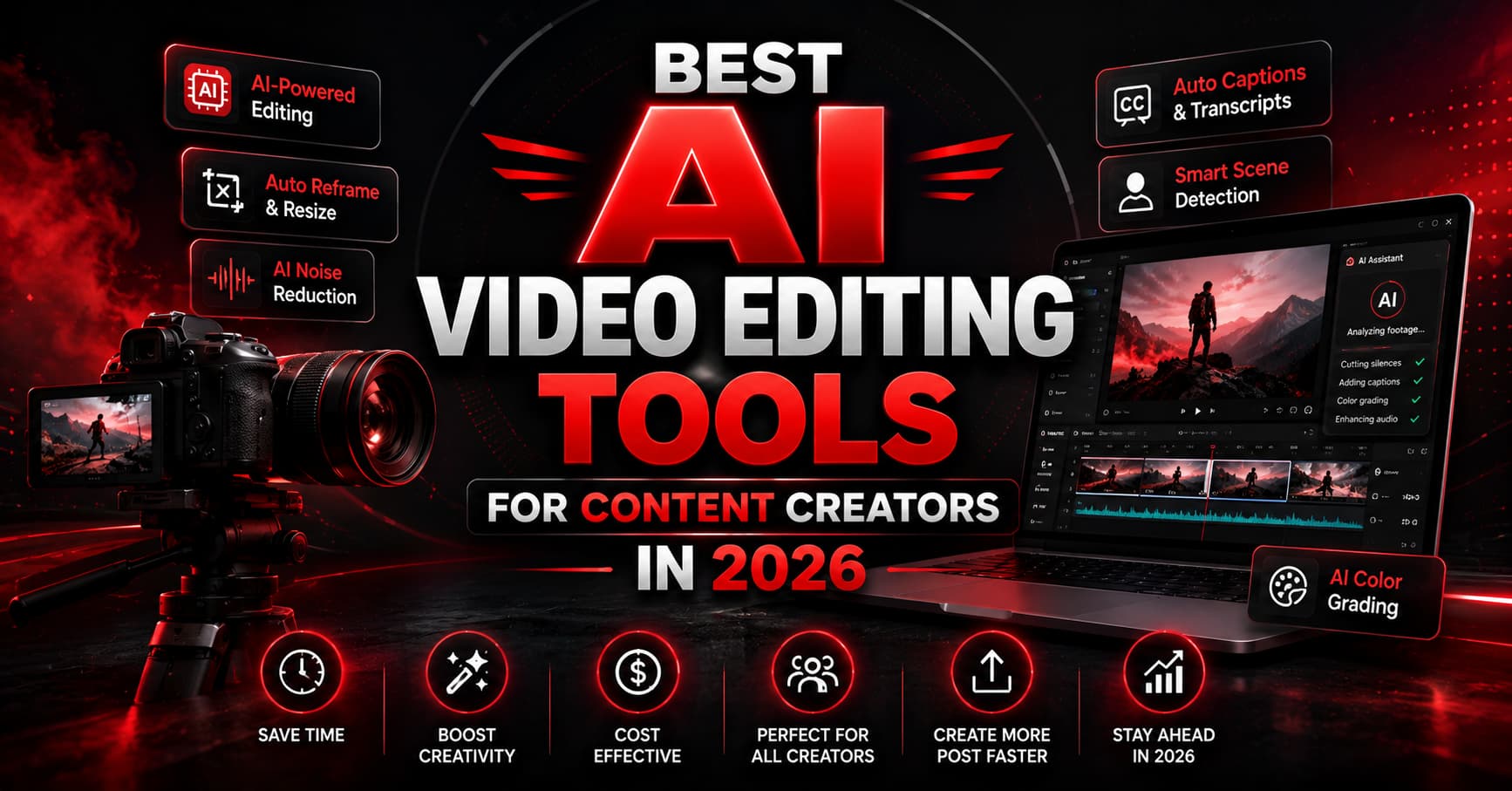
Best AI Video Editing Tools for Content Creators in 2026
The creator economy in 2026 feels like a high-speed train that never slows down. Every platform wants more content, audiences expect better quality, and algorithms reward creators who upload consistently. That pressure has pushed millions of creators toward AI video editing tools that can cut hours of work into minutes. What used to take an entire editing team can now be handled by one creator sitting in a bedroom studio with a laptop and a decent internet connection.
The rise of short-form content changed everything. YouTube Shorts, Instagram Reels, TikTok clips, podcast highlights, gaming montages, reaction videos, and AI-generated B-roll now dominate online engagement. According to multiple 2026 creator reports and tool reviews, AI-powered editing platforms are reducing editing time by as much as 70% to 80% for creators who publish regularly. That is not just a productivity boost. It is survival in a digital world where attention spans vanish faster than disappearing Instagram stories.
Why AI Video Editing Tools Are Exploding in Popularity
A few years ago, editing a single YouTube video could feel like building a skyscraper brick by brick. Creators spent endless nights syncing audio, trimming awkward pauses, adding captions, color grading footage, and manually resizing clips for different platforms. Now imagine handing most of those repetitive tasks to artificial intelligence while you focus on creativity instead. That is exactly why AI editing tools are dominating the creator industry in 2026.
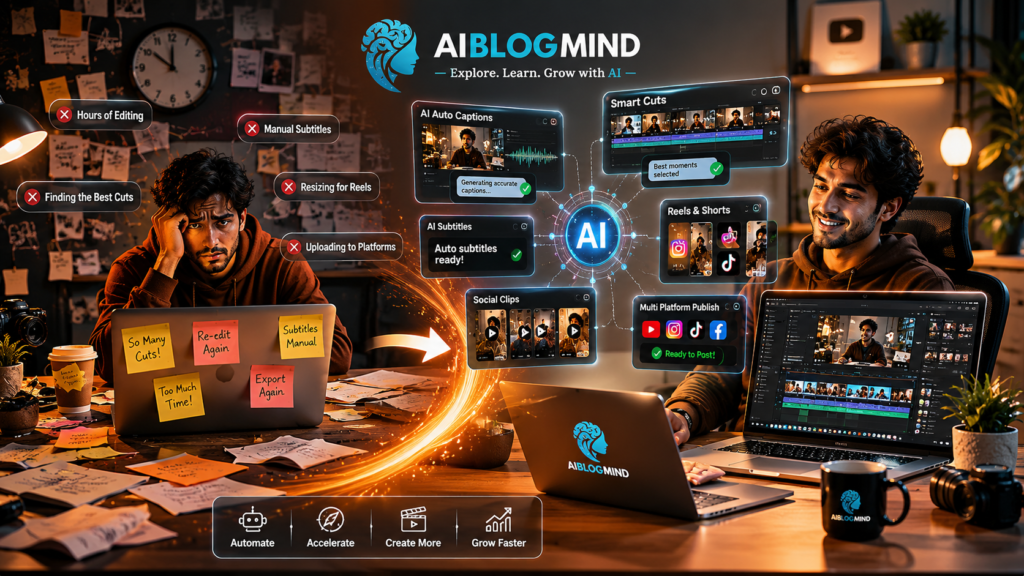
The biggest reason behind this shift is the explosive growth of short-form content. Reels, TikToks, and Shorts demand rapid publishing cycles. A creator posting one polished video per week used to be considered consistent. Today, many creators upload multiple pieces of content daily just to stay visible. AI editing software became the digital assistant creators desperately needed. Tools now automatically remove filler words, generate subtitles, identify viral moments, clean background noise, track subjects, add B-roll suggestions, and even create complete edits from simple text prompts.
Another major factor is accessibility. Traditional editing software once felt like learning to fly a spaceship. Beginners opened professional timelines and immediately panicked. Modern AI video editors simplify everything with drag-and-drop workflows, automatic templates, and one-click optimization. Even creators with zero editing experience can now produce surprisingly professional content. Reviews from creators across Reddit communities consistently mention how tools like CapCut and Descript reduced editing frustration dramatically while increasing output quality.
The psychology behind AI adoption is interesting too. Creators are no longer just competing against people. They are competing against speed. The internet rewards momentum, and AI helps creators maintain that momentum without burning out. It acts like an invisible editing team working behind the scenes twenty-four hours a day.
What Makes a Great AI Video Editor in 2026
Not every shiny AI feature is actually useful. Some tools throw “AI-powered” labels around like confetti at a concert, but only a handful truly improve workflow. The best AI video editing tools in 2026 are not necessarily the most complicated ones. They are the ones that save time while preserving creative control.
Automation is the first thing creators look for now. Auto-captioning alone has become almost mandatory because silent viewing dominates mobile platforms. The best tools generate highly accurate captions instantly and style them for engagement. CapCut, VEED.io, and Descript are particularly strong in this area because they combine transcription with animation presets designed for social media performance.
Creators also expect AI to understand storytelling. That sounds futuristic, but modern editing tools are getting surprisingly close. Platforms like Opus Clip analyze long-form videos and automatically identify the moments most likely to perform well on social media. Imagine recording a one-hour podcast and receiving ten ready-to-post Shorts within minutes. That workflow completely changes content production.
Mobile optimization matters more than ever too. Many creators edit directly on phones because trends move too quickly to wait for desktop workflows. AI Video Editing Tools reel now prioritize vertical formats, automatic reframing, beat syncing, and instant social exports. Meanwhile, professional editors still rely heavily on desktop systems for cinematic projects, advanced effects, and collaborative editing pipelines.
The best platforms balance automation with flexibility. Too much automation can make content feel robotic. The strongest AI tools give creators a fast starting point while still allowing manual creative adjustments. That balance separates genuinely useful software from gimmicky tools that create generic-looking videos everyone instantly recognizes.
Best Features for Reels and Shorts
| Feature | Why It Matters |
|---|---|
| Auto Captions | Increases retention on silent autoplay videos |
| Smart Cut | Removes dead spe automatically |
| AI Background Removal | No green screen required |
| Beat Sync | Matches edits to music rhythm |
| Vertical Optimization | Perfect for TikTok and Reels |
One underrated feature is CapCut’s ability to resize content instantly for different platforms. Creators no longer need separate edits for TikTok, Instagram, and YouTube Shorts. That cross-platform flexibility saves enormous amounts of time.
4 Best AI Video Editing Tools for Content Creators in 2026
1. Runway
AI Visual Effects and Cinematic Editing
Runway feels like stepping into the future of filmmaking. While many AI video editing tools focus on speed and convenience, Runway focuses on creativity and cinematic possibilities. It is the playground for creators who want visuals that look impossible.
Runway became famous for AI-powered generative video tools. Creators can remove objects from scenes, generate entirely new backgrounds, expand frames, and create visual effects that once required expensive production teams. For indie filmmakers and advanced YouTubers, this changes everything.
One of Runway’s biggest strengths is text-to-video generation. A creator can describe a scene with prompts and generate cinematic sequences almost instantly. This technology is evolving rapidly, and many experts believe generative editing will become a dominant creative workflow within the next few years.
The platform also supports AI motion tracking, intelligent masking, slow motion generation, and automated visual cleanup. Traditional visual effects work used to require massive technical expertise. Runway compresses much of that complexity into accessible tools.
Generative AI Video Features
Runway stands out because it does not just edit existing footage. It creates new visual possibilities entirely. That shift is enormous. Creators are moving from editing reality to reshaping reality itself. It is similar to the transition from traditional painting to digital art. Once creators realize they can manipulate footage with prompts instead of manual technical processes, workflows evolve permanently.
Some creators still criticize generative AI for occasional visual inconsistencies, but improvements happen almost monthly. Even now, the results can look astonishingly cinematic when used carefully.
2. Adobe Premiere Pro AI
Professional Editing Meets AI
Adobe Premiere Pro remains the heavyweight champion for professional editing, but in 2026 it is no longer relying purely on traditional workflows. Adobe aggressively integrated AI into Premiere to stay competitive against newer creator-focused platforms.
The biggest advantage Premiere still has is depth. While beginner-friendly apps prioritize speed, Premiere balances automation with advanced creative control. AI features now assist with scene detection, audio enhancement, color matching, caption generation, object removal, and intelligent reframing for vertical content.
Professional YouTubers and production teams still depend heavily on Adobe because of ecosystem integration. Photoshop, After Effects, Lightroom, and Premiere work together seamlessly. That interconnected workflow matters for large-scale content operations.
Adobe’s AI enhancements are particularly useful for creators managing high-volume production. Automatic color correction and AI-assisted rough cuts save enormous time while preserving professional polish. Recent updates also introduced smarter generative editing tools that streamline repetitive editing processes.
The downside? Premiere still has a steeper learning curve than tools like CapCut or Descript. Beginners may feel overwhelmed initially. But for creators who want maximum flexibility and long-term scalability, Premiere remains one of the most powerful options available.
3. Opus Clip
Turning Long Videos Into Viral Shorts
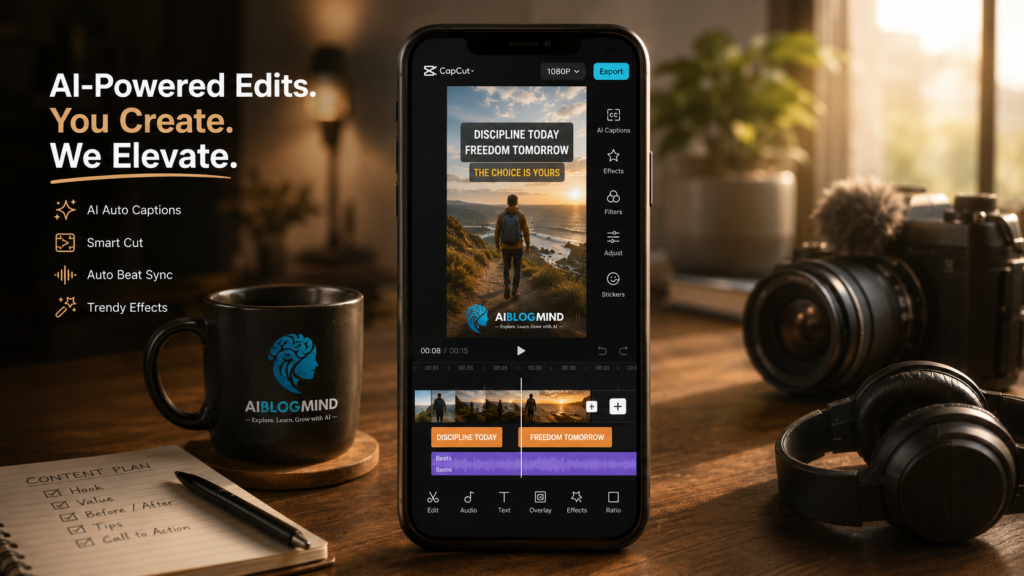
Opus Clip exists for one reason: turning long-form content into short-form gold. In the modern creator economy, attention spans are tiny, and every creator wants to squeeze maximum value from every recording session.
The platform uses AI to analyze long videos and identify the most engaging moments automatically. It adds captions, reframes footage vertically, and generates ready-to-post clips optimized for TikTok, Shorts, and Reels. Creators who once spent hours manually clipping podcasts can now generate multiple social-ready edits within minutes.
That workflow feels almost magical when it works well. Imagine uploading a sixty-minute interview and instantly receiving ten short clips with captions, zoom cuts, and optimized pacing. It is like having a social media editor living inside your laptop.
Many creators use Opus Clip alongside other editors rather than as a complete editing solution. It excels at repurposing content rather than building complex edits from scratch. Reviews consistently rank it among the best AI tools for YouTube videos because of its efficiency with long-form content workflows.
The tool also reflects a broader industry trend. Creators no longer make one piece of content at a time. They build content ecosystems where podcasts become clips, clips become reels, and reels drive traffic back to longer videos. AI Video Editing Tools like Opus Clip make that ecosystem scalable.
4. 4VEED.io
Fast Browser-Based Editing
VEED.io became popular because it removes technical friction completely. No heavy downloads, no complicated installations, and no intimidating professional interface. Open the browser, upload footage, and start editing immediately.
This simplicity makes VEED especially attractive for freelancers, small businesses, educators, and beginner creators. The platform focuses heavily on accessibility while still offering surprisingly useful AI features. Auto-subtitles, text-to-speech, background cleanup, eye-contact correction, and social templates all contribute to fast workflows.
Browser-based editing used to feel limited, but internet infrastructure improved dramatically. Cloud-powered workflows now allow creators to edit high-resolution videos without expensive hardware. That democratization matters because not every creator can afford powerful editing rigs.
VEED also integrates collaboration features that help teams edit remotely. In a creator economy increasingly built around distributed teams and freelance editors, cloud collaboration has become incredibly valuable.
Descript
Text-Based Editing Revolution
Descript completely changed how many creators think about editing. Instead of working with complicated timelines, users edit video by editing text. It sounds almost absurd at first, but once creators try it, many never go back.
The platform automatically transcribes video and audio files into editable documents. Delete a sentence from the transcript, and the corresponding video clip disappears automatically. It feels like editing a Google Doc instead of wrestling with traditional editing software. This workflow became especially popular among podcasters, educators, interview creators, and talking-head YouTubers.
Creators consistently praise Descript for filler word removal. The AI can instantly remove “um,” “uh,” awkward pauses, and repetitive speech patterns. That alone can save hours every week for creators who produce dialogue-heavy content. Reviews from both industry sites and Reddit discussions repeatedly highlight this as one of the biggest workflow improvements in modern editing.
The Overdub feature also pushes the boundaries of AI editing. Users can correct spoken mistakes without re-recording audio by generating AI Video Editing Tools voice replacements based on their own voice patterns. It sounds futuristic because it is. For creators juggling tight schedules, that feature can rescue entire videos without expensive reshoots.
Why Podcasters Prefer Descript
Podcasters love efficiency more than flashy effects. Descript focuses exactly on that strength. Multi-camera podcast editing becomes dramatically simpler because creators can navigate content through searchable transcripts instead of manually scanning footage.
Audio cleanup tools inside Descript are also remarkably strong. Background hums, echo, and inconsistent volume can be corrected automatically. In a creator economy flooded with podcasts, cleaner audio instantly separates professional creators from amateurs.
Another reason podcasters prefer Descript is scalability. Long-form creators often repurpose content into clips, teasers, and social posts. Descript simplifies this process by making transcripts searchable and editable. One hour of content can quickly transform into dozens of smaller pieces optimized for social media5 .
CapCut
Why Short-Form Creators Love It
If TikTok had a favorite editing app, it would probably be CapCut. In 2026, CapCut remains the undisputed king of short-form editing because it perfectly understands internet culture. AI Video Editing Tools Trends move fast online, and CapCut is built for speed. It feels less like traditional editing software and more like a social media weapon.
CapCut became wildly popular because it lowers the barrier to entry. A teenager with zero editing experience can produce cinematic-looking videos within hours. Auto-captions, beat syncing, AI Video Editing Tools transitions, background removal, and trendy templates are all integrated into one surprisingly easy interface. According to multiple creator reviews, CapCut remains the default recommendation for beginners entering content creation.
What makes CapCut special is how deeply connected it feels to internet behavior. The app constantly evolves alongside social trends. Viral caption styles, meme effects, and transition formats appear inside the editor almost immediately. That gives creators an unfair advantage because they can jump on trends before they become saturated.
The AI tools inside CapCut are no joke either. Automatic subject tracking, intelligent cut suggestions, background cleanup, and AI-generated subtitles drastically reduce editing time. For creators posting daily content, that speed matters more than perfection. CapCut understands that internet audiences value consistency and engagement more than Hollywood-level production.
For more ai tools related to editing do Checkout
Comparison Table of Top AI Editing Tools
| Tool | Best For | Key AI Features | Skill Level |
|---|---|---|---|
| CapCut | Shorts & Reels | Auto captions, beat sync, templates | Beginner |
| Descript | Podcasts & Talking Videos | Text-based editing, filler removal | Beginner to Intermediate |
| Runway | Cinematic AI Effects | Text-to-video, generative editing | Intermediate to Advanced |
| Adobe Premiere Pro | Professional Production | AI color correction, reframing | Advanced |
| Opus Clip | Repurposing Long Videos | Viral clip detection | Beginner |
| VEED.io | Quick Online Editing | Browser AI editing, captions | Beginner |
How Creators Choose the Right AI Editing Tool
Choosing the best AI video editor depends entirely on content style and workflow. A gaming creator has completely different needs than a podcast host or filmmaker. That is why there is no single perfect tool for everyone.
Short-form creators usually prioritize speed above all else. They need rapid exports, trendy captions, and mobile-friendly editing. CapCut dominates this space because it understands internet pacing almost instinctively.
Long-form YouTubers and podcasters often prefer Descript because transcript-based workflows reduce editing fatigue dramatically. Meanwhile, cinematic creators gravitate toward Runway because it unlocks visual experimentation impossible with standard editing apps.
Budget matters too. Many creators start with free tools before upgrading later. CapCut’s generous free features helped it explode globally because creators could produce professional content without immediate financial pressure.
Another important factor is platform compatibility. Some creators edit entirely on phones while others rely on multi-monitor desktop setups. The best editing tool is often the one that fits naturally into existing habits rather than forcing completely new workflows.
Future of AI Video Editing
The future of AI editing tools looks almost science fiction-level ambitious. Editing is shifting away from manual technical work toward creative direction. Instead of dragging clips around timelines endlessly, creators increasingly guide AI systems using prompts, transcripts, and automation.
Research papers published in 2026 already explore text-driven video reauthoring, multimodal editing systems, and AI-generated scene consistency. These advancements suggest future editors may allow creators to rewrite scenes as easily as editing text documents.
Mobile creation is also accelerating rapidly. Android and iPhone ecosystems are introducing creator-focused AI features directly into operating systems. The line between filming and editing is beginning to disappear. Soon, creators may capture footage that automatically edits itself in real time.
One thing seems certain: AI will not replace creators. It will amplify creators who know how to use it effectively. Creativity still matters. Storytelling still matters. AI Video Editing Tools simply removes friction between imagination and execution.
Conclusion
The explosion of AI video editing tools in 2026 represents one of the biggest shifts in digital creativity since smartphones transformed photography. Editing is no longer reserved for professionals with expensive gear and years of technical training. AI opened the gates for everyone.
CapCut dominates short-form culture, Descript revolutionizes podcast workflows, Runway pushes cinematic boundaries, Premiere Pro balances professional depth with automation, and Opus Clip transforms long videos into endless social content. Each tool reflects a different vision of the creator future.
The creators winning today are not necessarily the ones with the biggest budgets. They are the ones who adapt fastest. AI Video Editing Tools give creators leverage, speed, and scalability that would have seemed impossible only a few years ago.
The internet moves brutally fast. AI helps creators move even faster.
Also stay connected with us for latest Ai tools update
FAQs
1. What is the best AI video editing tool for beginners in 2026?
CapCut is widely considered the best beginner-friendly option because it combines powerful AI features with an extremely simple interface.
2. Which AI video editor is best for YouTube creators?
Descript and Adobe Premiere Pro are excellent for YouTube creators. Descript works best for talking-head videos and podcasts, while Premiere Pro is better for advanced production workflows.
3. Are AI editing tools replacing human editors?
No. AI tools automate repetitive tasks, but creative storytelling, pacing, and artistic direction still depend heavily on human creators.
4. Which AI tool is best for making Instagram Reels?
CapCut remains one of the strongest AI reel editing tools because of its templates, captions, transitions, and vertical editing features.
5. Can AI generate complete videos automatically?
Yes, some tools like Runway and other generative AI Video Editing Tools platforms can create videos from text prompts, though human guidance still improves quality significantly.

Syed Abubakkar is a content and SEO specialist responsible for article publishing, on-page SEO, keyword optimization, and AI-powered image generation. He is passionate about digital marketing and helping websites grow their online presence.