


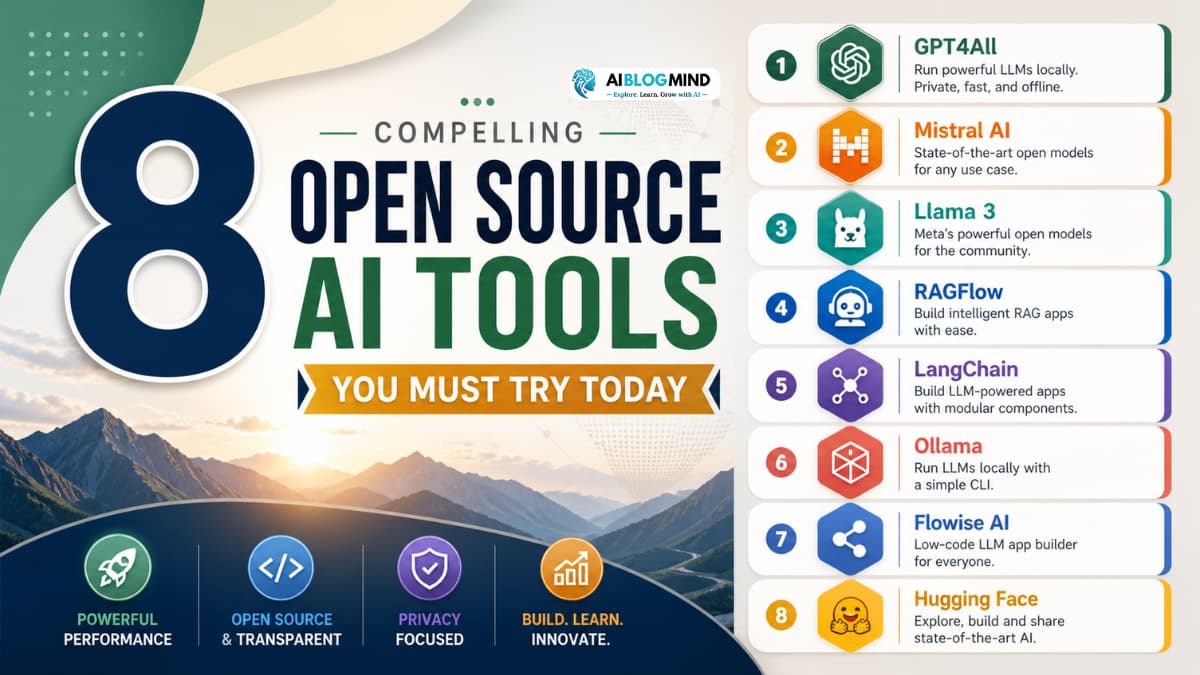
8 Compelling Open Source AI Tools You Must Try Today
What if you could harness the power of cutting-edge artificial intelligence without paying a single rupee or dollar? Hard to believe, right? But that is exactly what the world of opensource ai has made possible for millions of people around the globe.
Here is the problem most beginners face: AI technology sounds exciting, but it also sounds expensive, complicated, and out of reach. You see headlines about billion-dollar AI companies, complex models, and enterprise software that costs a fortune. It feels like AI is only for large corporations or seasoned developers with years of coding experience.
That is where opensource ai completely changes the game.
Opensource ai refers to artificial intelligence tools, models, and frameworks whose source code is freely available for anyone to use, study, modify, and share. This means you do not need a big budget or a computer science degree to get started. You just need curiosity and a willingness to explore.
In this article, we cover 8 compelling opensource ai tools that are perfect for beginners. We also look at the benefits and limitations of opensource ai, how to choose the right tool for your needs, and answer the most common questions beginners ask. Whether you are interested in ai tools for research, creative writing, image generation, or building your own projects, this guide has something for you.
Let us dive in.
Benefits of Using Opensource AI Tools
Before we get into the list, it helps to understand why opensource ai has become so popular and why experts consistently recommend it for beginners and professionals alike.
1. It Is Free to Use
The most obvious advantage of opensource ai is cost. Most open source ai models are completely free to download and use. This removes the financial barrier that stops many beginners from experimenting with AI.
2. Full Transparency
With opensource ai, you can see exactly how the model or tool works under the hood. This transparency builds trust. You know what data was used, how the system was trained, and what limitations exist. This is a key part of responsible AI use.
3. Strong Community Support
Opensource ai projects are backed by large, active communities of developers, researchers, and enthusiasts. If you get stuck, there are forums, Discord channels, GitHub discussions, and YouTube tutorials to help you move forward.
4. Customisable for Your Needs
Unlike closed commercial tools, opensource ai allows you to modify the code and tailor it to your specific use case. This is especially valuable for ai tools for research, where unique requirements often go beyond what a standard product offers.
5. Rapid Innovation
Because thousands of contributors work on opensource ai projects simultaneously, these tools often evolve faster than their commercial counterparts. New features, bug fixes, and improvements happen constantly.
6. Privacy and Data Control
With many opensource ai tools, you can run models locally on your own computer. This means your data never leaves your device — a huge advantage for privacy-conscious users and researchers handling sensitive information.
Limitations of Opensource AI Tools
While opensource ai offers incredible value, it is important to go in with realistic expectations. Here are some limitations you should be aware of.
1. Steeper Learning Curve
Some opensource ai tools require basic familiarity with the command line, Python, or system configuration. This can feel overwhelming for absolute beginners at first. However, many projects now offer beginner-friendly documentation and installers that make setup easier.
2. Hardware Requirements
Running large open source ai models locally can demand significant computing power particularly RAM and GPU memory. While many tools offer lightweight versions, the most powerful open source ai models may not run smoothly on an average laptop.
3. Less Polished User Interfaces
Commercial AI products invest heavily in user experience design. Opensource ai tools, by contrast, sometimes prioritise functionality over aesthetics. The interface may feel less intuitive compared to paid alternatives.
4. Inconsistent Documentation
Not all opensource ai projects are equally well-documented. Some may have outdated guides, missing instructions, or assume a level of technical knowledge that beginners do not yet have.
5. Limited Customer Support
If something goes wrong with a commercial product, you can contact support. With opensource ai, you rely primarily on community forums and self-troubleshooting. While communities are generally helpful, response times can vary.
Understanding these limitations does not mean avoiding opensource ai it simply means approaching it with the right mindset and choosing tools that match your current skill level.
Top 8 Opensource AI Tools You Must Try Today
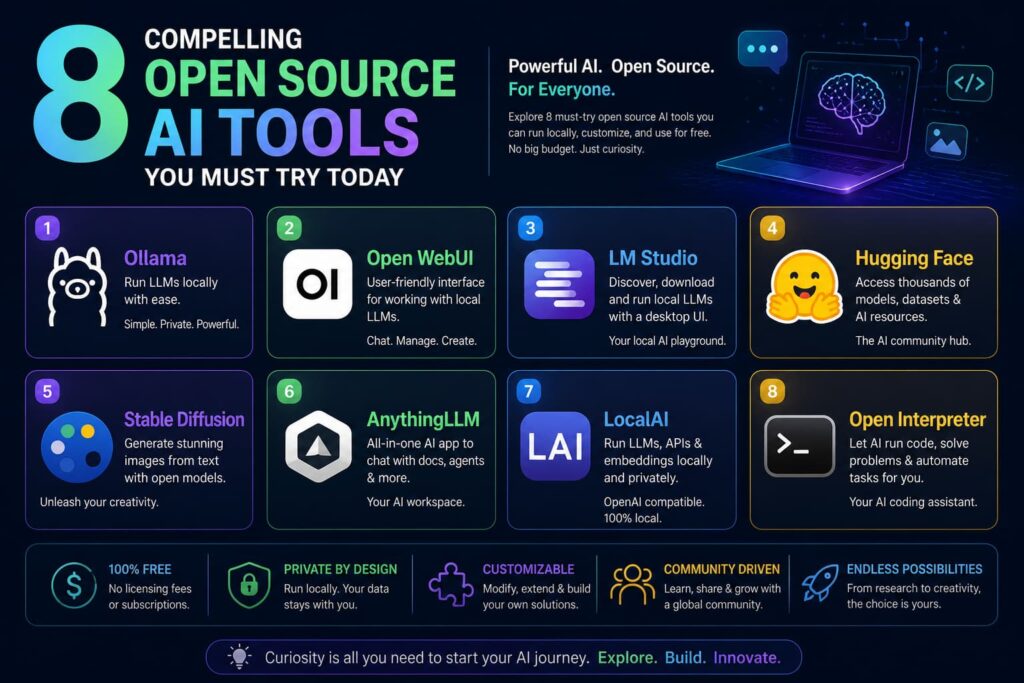
Here are 8 of the best opensource ai tools that beginners can start exploring right now. Each one is free, actively maintained, and comes with community support.
1. Ollama
Ollama is one of the most beginner-friendly opensource ai tools available today. It allows you to run powerful open source ai models including Llama 3, Mistral, and Phi-3 directly on your local computer with just a few commands.
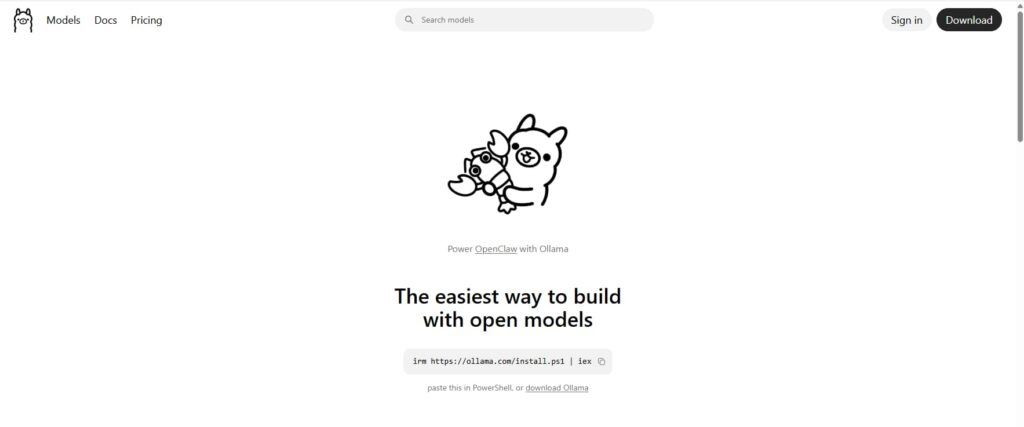
Why it stands out: Ollama removes almost all the complexity from running open source ai models locally. You install it like any regular app, type a single command, and you are chatting with a capable AI within minutes. There is no need for API keys, cloud accounts, or monthly subscriptions.
Best for: Beginners who want to experience local AI without complexity. Also excellent as ai tools for research since your data stays completely private.
How to get started: Visit the official Ollama website, download the installer for your operating system, and run your first model with the command ollama run llama3. That is genuinely all it takes.
2. Open WebUI
Open WebUI is a sleek, browser-based interface that works on top of Ollama and other opensource ai backends. If you want the experience of using a polished chat interface similar to ChatGPT but powered by open source ai models, Open WebUI is the answer.
Why it stands out: It brings a familiar, user-friendly design to opensource ai. You can manage multiple models, create custom system prompts, and even attach documents for the AI to analyse all without writing a single line of code.
Best for: Beginners who prefer a visual interface over command-line interaction. It is especially useful as ai tools for research, allowing you to upload PDFs and ask questions about them.
How to get started: Open WebUI is available on GitHub and can be installed with Docker in a few minutes. Detailed installation guides are available for Windows, Mac, and Linux.
3. LM Studio
LM Studio is another excellent opensource ai application that lets you discover, download, and run open source ai models on your local machine. It features a clean graphical interface and supports a massive library of models from Hugging Face.
Why it stands out: LM Studio makes it incredibly easy to browse and test different open source ai models side by side. Its built-in chat interface is polished and responsive, making it one of the most approachable opensource ai tools for complete beginners.
Best for: Anyone who wants to experiment with multiple open source ai models and compare their outputs without any technical setup.
How to get started: Download LM Studio from its official website for free. No coding required.
4. Hugging Face
Hugging Face is the largest hub for open source ai models in the world. It hosts tens of thousands of models for text generation, image creation, translation, speech recognition, and much more. Think of it as the “GitHub of AI.”
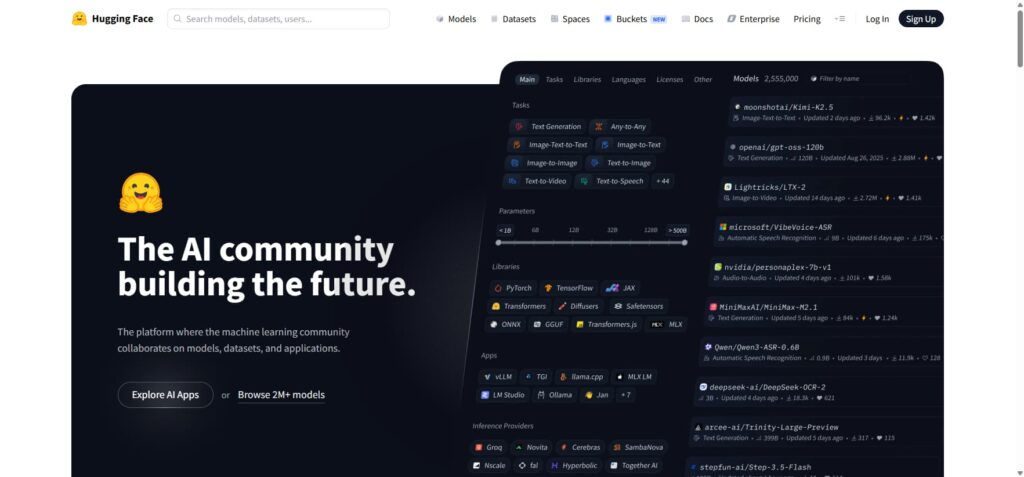
Why it stands out: Hugging Face is the go-to resource for anyone serious about opensource ai. It is where most major open source ai models are published and shared. You can test many models directly in your browser without any installation.
Best for: Beginners who want to explore the full breadth of what opensource ai can do. It is particularly valuable as ai tools for research, offering specialised models for scientific, medical, and academic tasks.
How to get started: Create a free account at huggingface.co and start exploring the model library. Many models have interactive demo spaces you can try instantly.
5. Stable Diffusion (via Automatic1111 or ComfyUI)
Stable Diffusion is the most popular opensource ai image generation model in the world. Unlike DALL-E or Midjourney, it is completely free and can run on your own computer. Tools like Automatic1111 and ComfyUI provide accessible interfaces for using it.
Why it stands out: Stable Diffusion demonstrates the remarkable creative power of opensource ai. It can generate photorealistic images, digital art, illustrations, and more from simple text descriptions. The community has also created thousands of custom model variations for specific styles.
Best for: Creators, artists, and designers who want to explore AI-generated visuals. Also useful as ai tools for research in visual fields.
How to get started: Search for “Automatic1111 Stable Diffusion Web UI” on GitHub. Installation guides for Windows and Mac are widely available.
6. AnythingLLM
AnythingLLM is a powerful opensource ai application that lets you build your own private AI assistant using your own documents. You can feed it PDFs, Word files, text notes, and websites and then have full AI-powered conversations about that content.
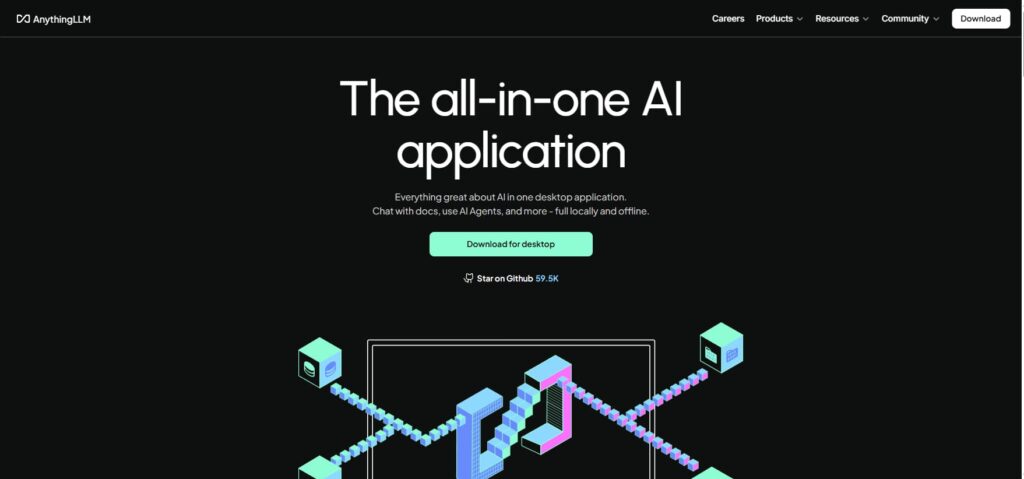
Why it stands out: AnythingLLM is a game-changer for ai tools for research. Instead of copying and pasting text into a chatbot, you can build a dedicated AI workspace around your research materials. Everything runs locally, so your documents remain completely private.
Best for: Students, researchers, writers, and professionals who work with large volumes of documents. It is one of the most powerful ai tools for research in the opensource ai ecosystem.
How to get started: Download AnythingLLM from its GitHub page or official website. It works with both local open source ai models via Ollama and cloud models if you prefer.
7. LocalAI
LocalAI is a free and opensource ai runtime that acts as a drop-in replacement for the OpenAI API. This means you can use it with any application or tool that was built to work with OpenAI but without sending data to any external server.
Why it stands out: LocalAI bridges the gap between commercial AI infrastructure and opensource ai freedom. Developers and technically curious beginners will find it particularly useful for building their own opensource ai powered applications.
Best for: Beginners with a bit of technical curiosity who want to go beyond just chatting with AI and start building their own tools. Also excellent for privacy-first ai tools for research.
How to get started: LocalAI is available on GitHub and supports Docker installation. The documentation includes beginner-friendly setup guides.
8. Open Interpreter
Open Interpreter is a fascinating opensource ai tool that brings a natural language interface to your computer’s capabilities. It allows an AI to run code, manage files, search the web, and perform tasks on your computer all in response to plain English instructions.
Why it stands out: Open Interpreter represents the next frontier of opensource ai for beginners. Instead of just answering questions, it can take action. Ask it to analyse a spreadsheet, create a chart, or summarise a folder of documents and it does it.
Best for: Beginners who want to automate tasks and explore what opensource ai agents can do. It is among the most exciting ai tools for research for hands-on data work.
How to get started: Install Open Interpreter via pip (pip install open-interpreter) or through its official documentation on GitHub.
Comparison of the Top Opensource AI Tools
Here is a quick overview to help you compare the eight opensource ai tools covered in this guide.
Ollama is best for running open source ai models locally with zero complexity. Open WebUI adds a polished browser-based interface on top of Ollama. LM Studio is ideal for visually browsing and testing multiple open source ai models. Hugging Face is the largest repository of open source ai models for every possible use case. Stable Diffusion leads the field for AI image generation using opensource ai. AnythingLLM is the top choice among ai tools for research involving your own documents. LocalAI suits developers who want to build opensource ai applications privately. Open Interpreter goes furthest by allowing opensource ai to take real actions on your computer.
All eight tools are free, actively maintained, and supported by strong communities. The main differences lie in their primary purpose, ease of installation, and hardware requirements.
How to Choose the Right Opensource AI Tool
With so many great opensource ai options available, how do you decide where to start? Here is a simple framework.
Start with your goal. Are you interested in chatting with AI, generating images, doing research, or building something? Match your goal to the tool. For pure conversation, start with Ollama. For image creation, try Stable Diffusion. For document research, AnythingLLM or Open WebUI are your best bets.
Consider your technical comfort level. If you prefer graphical interfaces over command lines, LM Studio or Open WebUI will feel most natural. If you enjoy tinkering, LocalAI and Open Interpreter offer deeper possibilities.
Check your hardware. Before downloading large open source ai models, verify that your computer meets the minimum requirements. Most tools publish recommended specifications on their websites. Smaller models (1B to 7B parameters) run on most modern laptops.
Start small and scale up. Begin with one opensource ai tool, get comfortable with it, and then gradually explore others. There is no need to install everything at once.
Join the community. Every major opensource ai project has a Discord, Reddit community, or GitHub Discussions page. These communities are welcoming to beginners and are invaluable for getting help and discovering new possibilities.
Final Verdict
The world of opensource ai has never been more accessible or exciting for beginners. The eight tools covered in this guide Ollama, Open WebUI, LM Studio, Hugging Face, Stable Diffusion, AnythingLLM, LocalAI, and Open Interpreter represent the best entry points into opensource ai today.
Whether you are exploring open source ai models for personal curiosity, looking for powerful ai tools for research, or hoping to build your own AI-powered projects, there is an opensource ai tool here for you. Best of all, you can start for free, right now, without any special expertise.
Opensource ai is not just a trend. It is a movement that is democratising one of the most powerful technologies in human history. And you are invited to be part of it.
Start with one tool. Experiment. Ask questions. Break things and fix them. That is how every expert in opensource ai began as a curious beginner, just like you.
Frequently Asked Questions (FAQs)
What is opensource ai in simple terms?
Opensource ai refers to artificial intelligence tools and open source ai models whose code is publicly available. Anyone can use, study, or modify them for free. It is the opposite of proprietary AI, where the technology is locked behind a paywall or kept secret.
Is opensource ai safe for beginners?
Yes. Most popular opensource ai tools are designed with beginners in mind and are safe to use. Running open source ai models locally on your own computer also means your data never leaves your device, which adds an extra layer of privacy and security.
Can I use opensource ai for research?
Absolutely. Several of the tools in this guide particularly AnythingLLM, Hugging Face, and Open WebUI are excellent ai tools for research. They allow you to work with your own documents, explore specialised open source ai models, and generate insights privately and securely.
Do I need a powerful computer to run open source ai models?
Not necessarily. Many open source ai models have smaller versions (3B to 7B parameters) that run comfortably on a standard laptop with 8GB of RAM. Tools like Ollama and LM Studio make it easy to select a model size that suits your hardware.
How is opensource ai different from ChatGPT?
ChatGPT is a commercial product from OpenAI. It is cloud-based, closed-source, and requires a subscription for full access. Opensource ai tools and open source ai models are free, transparent, and can often be run locally. Both have their place, but opensource ai gives you far more control and flexibility.
Which opensource ai tool should a complete beginner start with?
For most beginners, Ollama combined with Open WebUI is the ideal starting point. Ollama handles running open source ai models locally with minimal setup, while Open WebUI provides a familiar chat interface. Within minutes, you can be having real conversations with a capable opensource ai model entirely for free and entirely on your own computer.
Know more About Us

Mohammed Viqar Ali is a Digital Marketer, UI/UX Designer, and content creator passionate about AI, technology, SEO, and digital growth. As the UI/UX Designer of aiblogmind, he focuses on creating user-friendly digital experiences while sharing practical insights on artificial intelligence, marketing trends, productivity tools, and online business growth. Through his content, he helps readers discover innovative solutions, stay updated with emerging technologies, and make informed decisions in the digital world.