


Descript Review 2026: The Easiest AI Tool for Video & Audio Editing
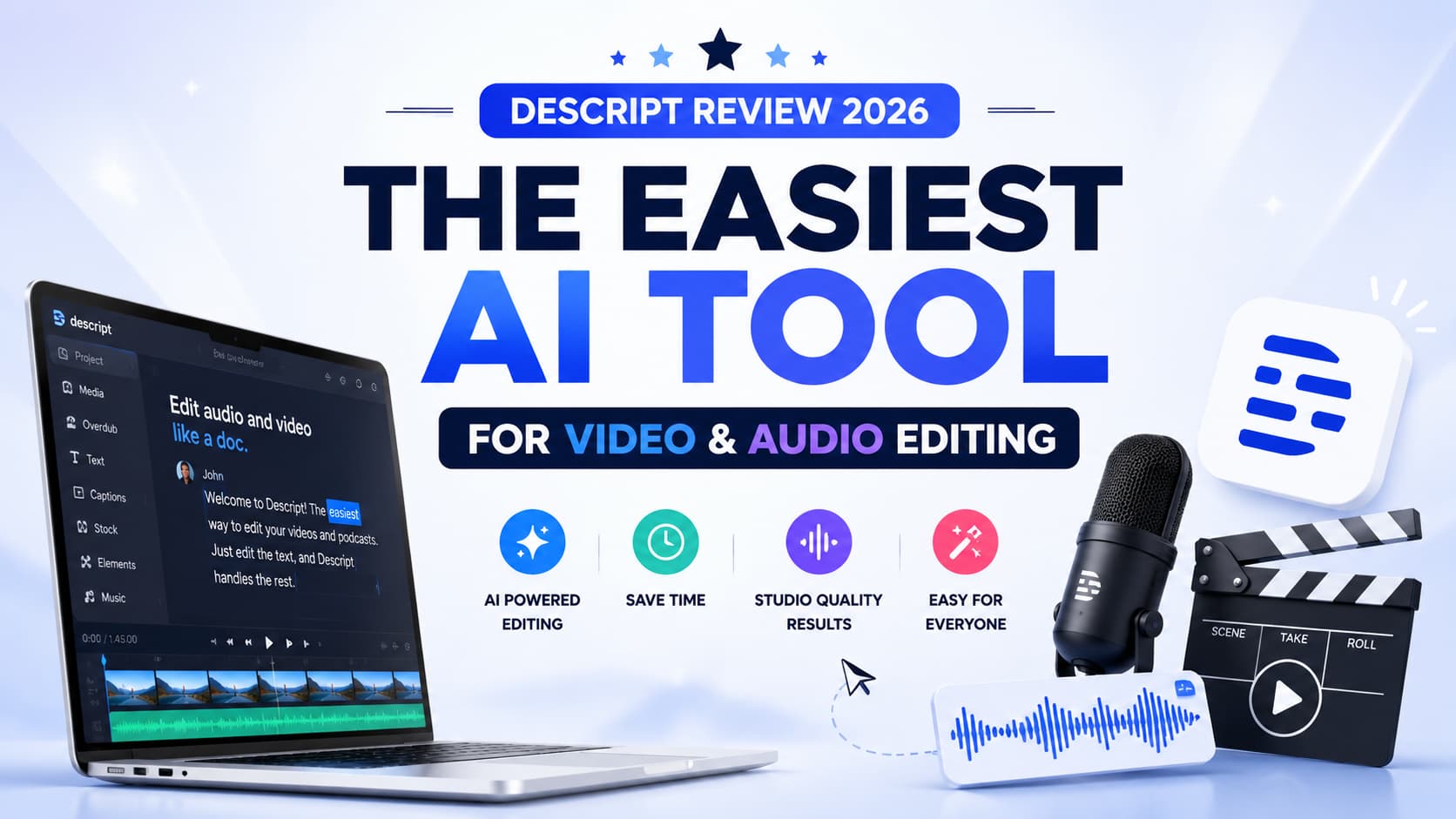
Whether you are a solo podcaster, a YouTube creator, a marketer, or part of a large media team, video and audio editing has traditionally demanded a steep learning curve, expensive software, and hours of technical work. Descript ai changes all of that.
Descript is an all-in-one AI-powered platform that allows you to edit audio and video as simply as editing a text document. Since its launch, Descript has grown into one of the most trusted and widely recommended tools in the content creation ecosystem, earning praise from journalists, educators, businesses, and independent creators alike.
At its heart, Descript converts your spoken words into a transcript, and any edit you make to that text deleting a word, rearranging a sentence, removing filler sounds is instantly reflected in your audio or video file. This approach makes app uniquely accessible, particularly for people who have never touched a traditional editing timeline in their lives.
This comprehensive guide covers everything you need to know about Descript: what it does, how Descript AI powers its smartest features, a breakdown of app pricing plans, a tour of the features you will find on descript.com, how Descript transcription works, and an honest look at its benefits and limitations. We close with a detailed FAQ section to answer the most common questions creators ask before signing up.
What Is Descript?
Descript is a multimedia editing platform built on the premise that the transcript is the timeline. When you import audio or video into app, the software uses its AI engine to generate an accurate text transcript of everything that was said. From that point on, you can edit your recording by working entirely in the text layer no waveforms, no razor tools, no frame-by-frame scrubbing required.
Available at descript.com, the platform was founded in 2017 by Andrew Mason, the co-founder of Groupon, and has since raised significant funding to build out its AI capabilities. Video app is available as a desktop application for Mac and Windows, as well as a browser-based editor, giving creators flexibility in how and where they work.
This app used across a wide range of industries and workflows. Podcast producers use to clean up recordings and publish episodes faster. Video marketers use this app to repurpose long-form content into short social clips. Journalists and researchers rely on this transcription to turn interview recordings into searchable, shareable text. Educators and course creators use this app to produce polished lessons without professional production experience.
The platform packs an impressive set of features under one roof, including screen recording, video editing, multitrack audio mixing, AI voice cloning, automatic filler word removal, and social media publishing. This app makes all of these tools accessible to non-technical users while remaining powerful enough for experienced editors who want to move faster.
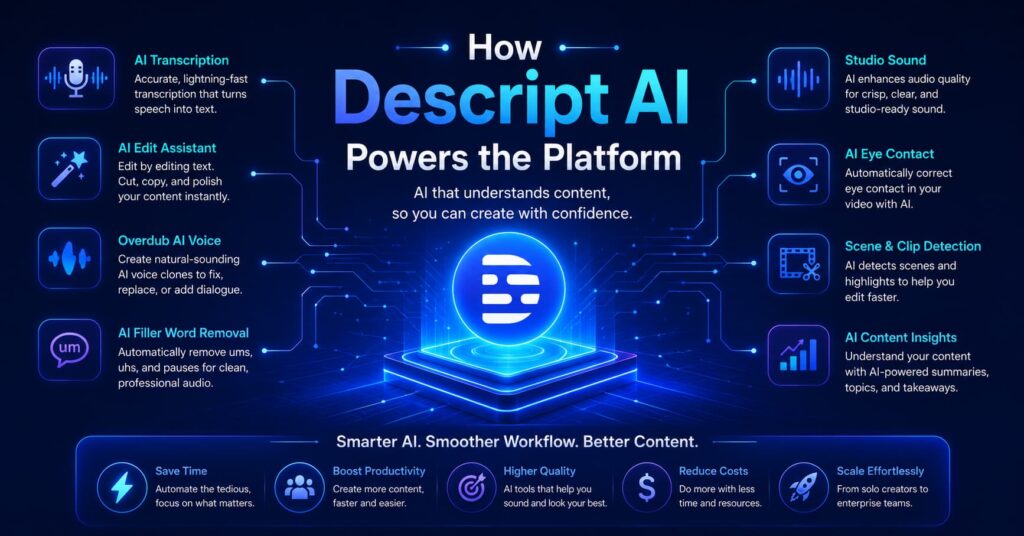
How Descript AI Powers the Platform
The intelligence behind this app sits in its AI engine, which handles everything from transcription to voice synthesis to background noise removal. Understanding how Descript AI works helps explain why the tool feels so different from traditional editing software.
Automatic Transcription
When you import media into Descript, its AI automatically transcribes the audio. Descript transcription uses advanced speech recognition models to convert spoken words into text with impressive accuracy. The transcript is generated quickly, usually within seconds to a few minutes depending on file length, and it is synchronized precisely with the media timeline. Every word in the transcript is linked to its exact position in the audio or video, so editing the text edits the media simultaneously.
Descript transcription supports multiple speakers and can identify and label different voices in a conversation, which is particularly valuable for podcast interviews, corporate meetings, and panel discussions. The accuracy of Descript transcription has been praised by professional journalists and broadcast producers who rely on verbatim records.
Overdub: AI Voice Cloning
One of Descript’s most talked-about features is Overdub, powered by Descript AI. Overdub allows you to create a digital voice model of your own voice by recording a set of sample phrases. Once trained, the model can generate new speech in your voice from text alone. If you misspoke a word in your recording, instead of re-recording the entire segment, you simply type the correction and this app AI generates the audio in your voice to fill the gap seamlessly. This capability saves enormous amounts of studio time and is a standout differentiator for this website in the market.
Filler Word and Silence Removal
Descript AI automatically detects and highlights filler words such as ‘um,’ ‘uh,’ ‘like,’ and ‘you know,’ as well as long pauses and dead air. With a single click, app can remove all detected filler words across an entire recording. This feature alone can cut editing time by fifty percent or more on a raw podcast episode, making this app an invaluable tool for any audio producer.
Studio Sound
Descript’s Studio Sound feature uses AI to clean up background noise, echo, and room tone from audio recordings, making them sound as if they were recorded in a professional environment. Whether you are working with laptop microphone audio from a home office or footage from a noisy event, Descript AI applies audio enhancement automatically without requiring manual equalization or noise profiling.
Descript Feature Deep Dive
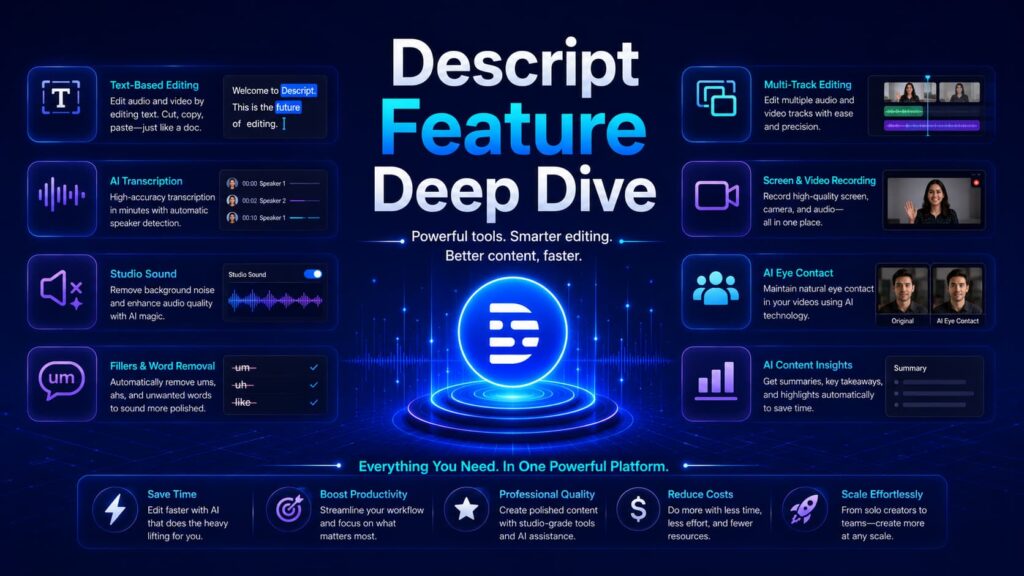
Let us walk through every major capability that Descript brings to creators and teams.
| Feature | What It Does |
| Text-Based Editing | Edit audio/video by editing the transcript text |
| Descript Transcription | Auto-generate accurate, speaker-labeled transcripts |
| Overdub (AI Voice) | Clone your voice to fix mistakes with typed text |
| Filler Word Removal | One-click removal of ums, uhs, and dead silence |
| Studio Sound | AI background noise and echo removal |
| Screen Recording | Built-in screen + webcam recorder |
| Multitrack Editing | Layer multiple audio and video tracks |
| Social Clip Creation | Export short-form clips for TikTok, Reels, YouTube Shorts |
| Captions & Subtitles | Auto-generate and burn in animated captions |
| Collaboration | Real-time commenting and team editing |
| Publishing | Publish podcasts and video directly from Descript |
Text-Based Video Editing
The flagship experience of Descript is its text-based editing workflow. Unlike conventional video editing tools that require you to work with clips on a timeline, this app lets you highlight and delete text to remove segments of video, drag and drop sentences to rearrange scenes, and use find-and-replace to locate specific moments in a long recording. This makes app feel familiar to anyone who has ever used a word processor, dramatically lowering the barrier to entry for new creators.
Screen Recording
Descript includes a built-in screen recorder that captures your display, webcam, and microphone simultaneously. This is ideal for software tutorials, product demos, and online course content. Recordings are imported directly into the this app editor, where you can immediately begin editing using the transcript-based workflow.
Captions and Subtitles
Descript automatically generates captions from its transcription engine and allows you to style, animate, and burn them into your video. This is particularly useful for social media content, where the majority of video views occur without sound. This app captions are customizable in font, color, size, and animation style, helping creators build a consistent brand aesthetic.
Collaboration and Team Workflows
This app supports real-time collaboration, allowing multiple team members to comment on, review, and edit shared projects. This makes app a strong choice for production companies, marketing teams, and media organizations where multiple stakeholders need to weigh in on content before it is published.
Descript Pricing: Which Plan Is Right for You?
Descript pricing is structured across several tiers to serve individuals, small teams, and enterprise organizations. Here is an overview of the Descript pricing plans available on descript.com.
| Plan | Price (approx.) | Key Inclusions |
| Free | $0/month | 1 hour transcription/month, watermarked exports, basic editing |
| Hobbyist | ~$12/month | 10 hours transcription, no watermark, Overdub, filler word removal |
| Creator | ~$24/month | Unlimited transcription, Studio Sound, social publishing, advanced captions |
| Business | ~$40/seat/month | All Creator features, team collaboration, advanced roles, priority support |
This app pricing is competitive for the breadth of features it includes. Many users find that the Creator tier offers the best value, combining unlimited this app transcription with all of the AI-powered editing tools in a single monthly subscription. For teams, the Business plan delivers strong collaboration infrastructure at a per-seat price that compares favorably to paying separately for a transcription service, a video editor, and a podcast hosting platform.
Always check this website for the most current website pricing, as the company updates its plans periodically and occasionally offers promotional discounts.
Who Uses Descript? Real-World Use Cases
This is not a niche tool. Its flexibility makes it valuable across a surprisingly wide range of professional contexts.
Podcasters
This app is often described as the gold standard editing tool for independent podcasters. With this, a solo creator can record an episode, generate a transcript, remove all filler words with one click, cut unwanted segments by deleting text, and publish directly to a podcast host all within a single application. This is also allows podcasters to create audiograms and video clips from episodes for social media promotion.
Video Creators and YouTubers
This tool enables video creators to produce polished content without the complexity of traditional editing software like Premiere Pro or Final Cut. The text-based editing workflow makes particular the tool .arly fast for talking-head content, interviews, tutorials, and vlogs. Many YouTubers use this tool for its automatic caption generation and its ability to quickly repurpose longer videos into short-form content.
Marketing and Communications Teams
Corporate marketing teams use a tool to produce webinar recordings, internal training videos, product demos, and social media campaigns. Descript’s collaboration features make it easy for multiple team members to review and approve content. This tool transcription is also used to generate written summaries of recorded meetings, calls, and events.
Journalists and Researchers
Journalists who conduct recorded interviews use this tool transcription to convert hours of audio into searchable text. The accuracy of Descript’s transcription engine, combined with speaker identification, makes it a reliable research tool. This also allows journalists to search a transcript for specific terms, making it easy to locate a particular quote within a long recording.
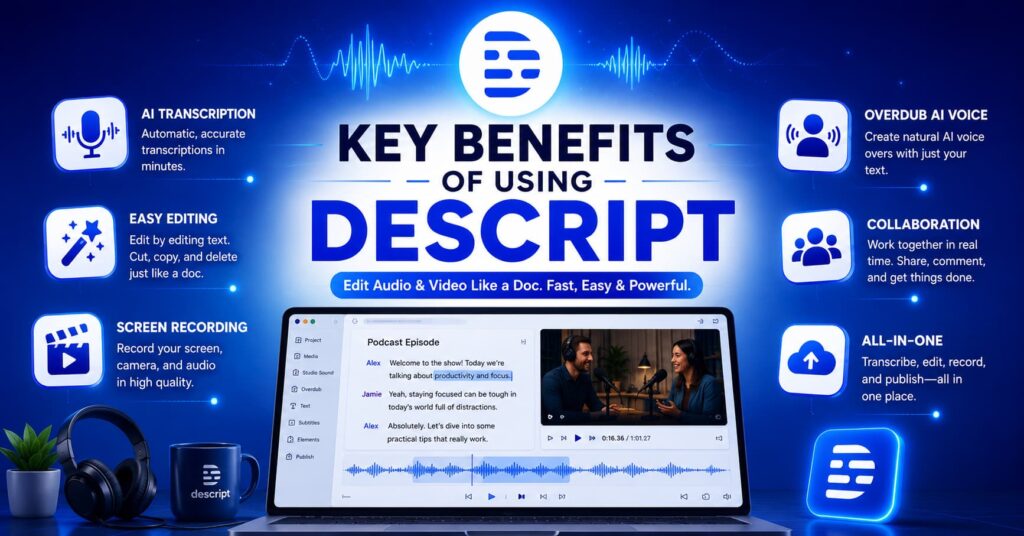
Key Benefits of Using Descript
- Dramatically faster editing: The text-based workflow of tool removes the friction from video and audio editing, cutting production time significantly for creators of all experience levels.
- No technical expertise required: This tool is designed for non-editors. If you can write an email, you can use this tool to produce professional content.
- Accurate AI transcription: Descript transcription is among the most accurate available at this price point, supporting multiple speakers and multiple languages.
- Overdub voice cloning: The ability to fix audio mistakes with typed text is a game-changing time saver that no traditional editing tool can match.
- All-in-one platform: In this tool combines transcription, screen recording, audio editing, video editing, caption generation, and publishing into a single application, eliminating the need for multiple subscriptions.
- Strong collaboration tools: Teams can work together in real time within the tool, making it suitable for production companies, agencies, and media organizations.
- Accessible Descript pricing: With a free tier and multiple paid plans, for this tool is accessible to solo creators and scales to enterprise teams.
- Constant AI improvement: Descript AI features are updated regularly, meaning the platform gets smarter and more capable over time without requiring user action.
Limitations of Descript
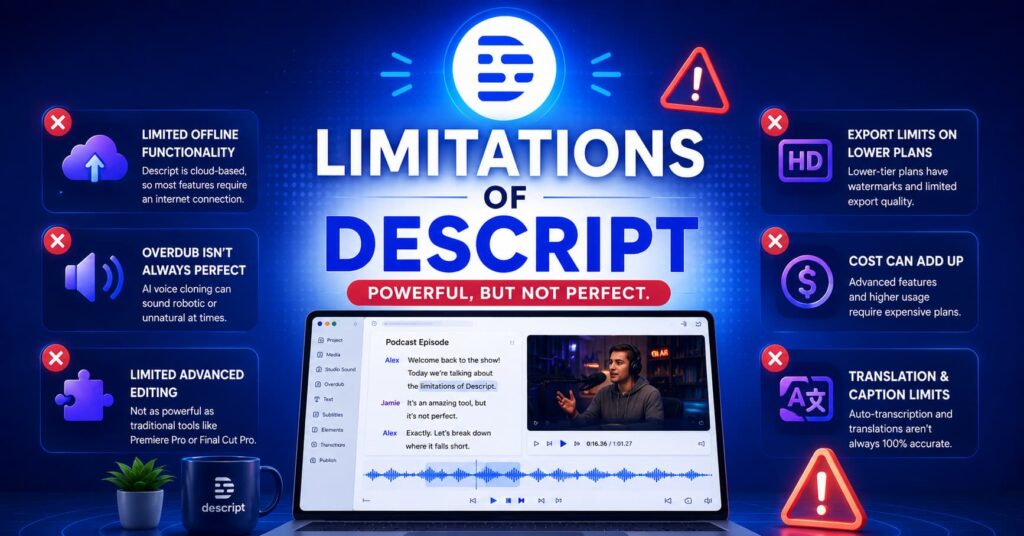
- Learning curve for advanced features: While basic editing in Descript is intuitive, mastering Overdub setup, multitrack timelines, and publishing workflows takes time.
- Performance on large files: Descript can slow down on very long recordings or projects with many media layers, particularly on older hardware.
- Transcription accuracy varies: While generally strong, Descript transcription can struggle with heavy accents, technical jargon, cross-talk, or low-quality audio, requiring manual correction.
- Internet dependency: Many Descript features, particularly Descript AI processing and cloud sync, require an active internet connection.
- Not a full DAW: For complex music production or multi-track audio mixing at a professional studio level, Descript does not replace dedicated digital audio workstations like Pro Tools or Logic Pro.
- Descript pricing can add up for teams: The per-seat Business plan can become costly for larger teams, especially if users only need limited features.
- Export options can feel limited: Some users find that Descript’s export settings are less granular than traditional editing software like Adobe Premiere or DaVinci Resolve.
Descript vs. Competitors: How It Stands Out
The market for AI video and audio editing tools has grown significantly in recent years, with tools like Adobe Podcast, Otter.ai, Riverside.fm, and Kapwing all competing for creator attention. What makes this tool consistently stand out is the depth of its feature set combined with the elegance of its editing experience.
While Otter.ai is primarily a transcription service and Riverside.fm focuses on high-quality remote recording, this tool covers the full post-production pipeline from first import to final publish. Adobe Podcast offers AI audio enhancement similar to Descript’s Studio Sound, but lacks of text-based video editing, Overdub, and social publishing capabilities.
This tool is consistently recommended by working professionals and content creation educators because it delivers real, measurable productivity gains, not just feature checkboxes. The breadth and depth of its AI toolset, combined with thoughtful UX design, makes Descript the tool most likely to be recommended by someone who has actually used it extensively which is itself a strong signal of genuine product quality.
Getting Started with Descript
Getting started with tool is straightforward. Visit descript.com to create a free account. You can begin with the free tier, which gives you access to the core tool editing experience with one hour of transcription per month and basic export options. This is enough to evaluate whether this tool fits your workflow before committing to a paid plan.
Once inside this tool editor, the recommended first step is to import an existing audio or video file and watch how this tool transcription automatically generates a text layer synchronized to your media. Try deleting a word from the transcript and observe how the audio or video adjusts instantly. Within minutes, the power of this tool approach becomes immediately apparent.
The tool also provides an extensive library of tutorial videos and documentation accessible from the descript.com help center, making onboarding smooth for new users. This tool community is active across YouTube and Twitter, with experienced creators sharing tips, templates, and workflow guides regularly.
Final Verdict: Is Descript Worth It?
For anyone who regularly produces audio or video content, This tool is one of the most impactful tools available in 2025. The combination of text-based editing, Descript AI capabilities, accurate this tool transcription, and a sensibleof pricing structure makes it an easy recommendation for creators at every experience level.
This tool does not try to replace professional-grade tools for complex, technical productions. Instead, This tool focuses on making the eighty percent of editing work that every creator has to do cleaning up audio, removing mistakes, adding captions, creating clips as fast and painless as possible. In that goal,to succeeds comprehensively.
If you have never tried this tool start with the free plan on descript.com and edit your next recording using the transcript. The time savings will likely speak for themselves.
Frequently Asked Questions About Descript
1. What is Descript, and what is it used for?
This tool is an AI-powered video and audio editing platform available at descript.com. It is used by podcasters, video creators, marketers, journalists, and educators to edit recordings using a text-based interface. Instead of working with a traditional timeline, tool lets you edit your audio or video by editing the auto-generated transcript. It also includes Descript AI features such as voice cloning (Overdub), Studio Sound noise removal, automatic filler word removal, and screen recording.
2. How accurate is Descript transcription?
Descript transcription is widely regarded as one of the most accurate AI transcription services available at this price level. In ideal conditions clear audio, single speaker, neutral accent this tool transcription accuracy can exceed ninety-five percent. Accuracy may decrease with heavy accents, overlapping speakers, strong background noise, or highly technical terminology. Users have the option to manually correct any transcription errors directly within the tool editor. This tool transcription supports a range of languages beyond English, making it useful for international content creators.
3. What are the Descript pricing plans, and is there a free option?
Yes, Descript offers a free plan that gives new users access to the core editing features with one hour of transcription per month and watermarked exports. Paid this tool pricing plans include the Hobbyist tier (approximately twelve dollars per month), the Creator tier (approximately twenty-four dollars per month), and the Business tier (approximately forty dollars per seat per month). Each step up in this tool pricing unlocks more transcription hours, additional tool AI capabilities, and expanded collaboration features. Always check this tool directly for the most up-to-date Descript pricing information.
4. What is Descript AI Overdub, and is it safe to use?
Descript AI Overdub is a voice cloning feature that creates a digital model of your own voice from a set of recorded samples. Once your Overdub voice is trained, you can type new words or corrected phrases and tool AI will synthesize the audio in your voice, filling in mistakes or missing words seamlessly. This tool has implemented strict ethical safeguards around Overdub: you can only create an Overdub voice of yourself and must consent to its creation. Using tool Overdub to impersonate others is explicitly prohibited by the platform’s terms of service. The feature is designed to save creators time in post-production, not to enable deceptive content.
5. How does Descript compare to other video editing tools like Adobe Premiere or Final Cut Pro?
Descript and traditional video editing tools like Adobe Premiere Pro or Apple Final Cut Pro serve different primary use cases. Traditional editors are built for complex, multi-layer productions with granular control over every frame. This tool is built for speed and accessibility, prioritizing a fast, text-driven editing experience for spoken-word content such as podcasts, interviews, tutorials, and social video. Many professional creators use this tool for the rough-cut editing phase using for tool to quickly remove mistakes, filler words, and unwanted segments before doing fine-tune work in a traditional editor. For the majority of creators who primarily produce talking-head or voice-driven content, of tool alone is sufficient for end-to-end production.
Know More About Us

Hi, I’m Rufqha, the SEO Manager at AIBlogMind. I focus on building content strategies that help websites improve visibility, attract the right audience, and create sustainable organic growth. My expertise includes on-page SEO, keyword research, content optimization, and aligning SEO with user experience and business goals.